Summary Outline –
TV and monitor technology is moving forward at an astonishing pace, keeping step with today’s shifting entertainment habits and evolving consumer interests. New hardware breakthroughs are transforming how we watch, work, and play at home.
Extra-large screens are now household staples, artificial intelligence is powering more immersive and user-friendly experiences, and specialized displays are catering to everyone from binge-watchers to multitasking professionals and serious gamers.
Whether you’re looking to upgrade your living room’s main screen, invest in an HDR monitor for your workspace, or simply stay informed, this article provides the expertise you need to make informed choices in a complex market.
- post content
- TV Tip 1: the evolution of television and transmission technology
- TV Tip 2: introduction to the basics of television technology
- TV Tip 3: other key TV features beyond the display
- TV Tip 4: enhancing entertainment with a smart TV and AI integration
- TV Tip 5: the future of television technology and design
- TV Tip 6: selecting and setting up a new TV

-
Quick scroll to first topic about the new age of TVs … or review summary content

Content Summary
section directory1st TV Review: [view section]
… let’s begin this analysis by exploring the history of television and the evolution of entertainment transmission over the years. Finally, we’ll wrap up with a summary of key terms related to television technology.
2nd TV Review: [view section]
… the second item gets into the fundamental technology behind TVs and desktop monitors. It covers key technical aspects such as screen size, resolution, display panel types, and the ideal type of television for different rooms and purposes.
3rd TV Review: [view section]
… the third section explores additional TV features beyond the display, including HDR support, refresh rates, connectivity options in modern models, and sound quality.
4th TV Review: [view section]
… the fourth section explores the integration of smart TVs and AI in modern models, designed to simplify setup and personalize entertainment and other features based on your preferences.
5th TV Review: [view section]
… the next section explores the future of TVs and desktop monitors, focusing on advancements in technology and visual enhancements. What innovations await both on-screen and within our living spaces?
6th TV Review: [view section]
… the sixth and final section focuses on tips for selecting and setting up your new TV. Here, you’ll find practical advice on choosing the right TV and optimizing its setup.
first “the new age of TVs” idea


copyright image by 123rf.com
TV Tech Tip 1: The Evolution of Television
… and transmission technology
Notes:
-
Television has transformed dramatically since its invention, evolving from a basic mechanical device into a highly advanced medium powered by cutting-edge technology.
Understanding the historical bases of television and transmission provides valuable insight into the innovation and ingenuity that shaped modern displays, broadcasting systems, and the content delivery methods we rely on today.
-
Quick scroll to “evolution of TV” side notes …
-
-
1st: The History of Television
Television has come a long way since its inception in the early 20th century, evolving from a luxury for a privileged few to an integral part of households worldwide. Its development encapsulates technological innovation, cultural transformation, and advancements in communication.
By understanding how TV has evolved, users can appreciate not only the entertainment it brings but also its significance in shaping global media and communications.
-
The Birth of Television
The concept of transmitting visual media began with the invention of mechanical television in the late 19th and early 20th centuries.
Pioneers such as Paul Nipkow developed the Nipkow disk in 1884, which could scan images into lines for transmission. This was a groundbreaking moment, as it laid the foundation for the mechanical systems that would evolve into electronic television.
The first demonstration of televised images is often credited to John Logie Baird in the 1920s. Baird, a Scottish engineer, broadcasted moving silhouettes in 1925 and went on to develop the world’s first public TV demonstration in 1926.
Despite the crudeness of early attempts, this marked the genesis of a technology that would revolutionize communication.
-
The Rise of Electronic Television
The transition from mechanical to electronic television marked a turning point. Philo Farnsworth and Vladimir Zworykin were key figures in this era.
Farnsworth is credited with developing the world’s first all-electronic television system in 1927, using a device known as the Image Dissector.
Simultaneously, Zworykin, supported by RCA, advanced the cathode-ray tube (CRT) with his invention of the iconoscope, which became the standard for early electronic cameras. This competition sparked innovation and drove the industry forward.
By the 1930s, nations such as England and the United States began introducing regular television broadcasts. The picture quality improved, and TV started gaining popularity among the public, even though it remained a luxury item for affluent households.
-
The Television Boom Post-World War II
The end of World War II marked the beginning of television’s golden age. With wartime technological advancements and economies recovering, the production of televisions soared.
By the late 1940s, millions of families in the United States owned televisions. Programming diversified dramatically, introducing news, entertainment shows, and cultural programming that audiences could enjoy in their own living rooms.
Innovations like color TV in 1953 made broadcasts more engaging, while cable television paved the way for greater channel availability in sparsely populated areas. This period cemented television’s position as an indispensable entertainment and information medium.
-
The Digital Revolution
The late 20th and early 21st centuries brought a monumental shift with the introduction of digital television. Analog signals, which had been the standard since the inception of TV, were replaced by digital transmission, allowing for high-definition (HD) content, interactive features, and more channels within the same spectral bandwidth.
Liquid Crystal Displays (LCDs) and later LED and OLED screens replaced bulky cathode-ray tubes, offering sleeker designs with superior image quality. The introduction of flat-screen TVs transformed living rooms worldwide, making TVs not only functional but also a central aesthetic feature in homes.
-
The Modern Era and Smart TVs
Today, televisions are smarter and more integrated than ever before. The advent of smart TVs, equipped with internet connectivity, has transformed how users interact with this technology.
Platforms like Netflix, Hulu, and Disney+ have made streaming services ubiquitous, while advancements such as High Dynamic Range (HDR), 4K, and even 8K resolutions have enhanced picture clarity and depth.
Features like voice controls, AI-driven content recommendations, and compatibility with smart home ecosystems have redefined convenience and functionality. Televisions are no longer standalone devices; they’re part of a networked ecosystem, seamlessly integrating entertainment and connectivity.
-
The Continuing Evolution
The future of television looks promising, with trends like foldable OLED screens, advancements in artificial intelligence for smarter recommendations, and more immersive technologies like augmented reality (AR) and virtual reality (VR) integration.
While the traditional concept of “watching TV” is continually shifting due to mobile devices and on-demand content, the importance of large screens in delivering premium experiences remains undeniable.
Era Key Developments Impact Mechanical TV Nipkow disk, Baird’s early demonstrations Laid foundation for visual transmission methods. Electronic TV Farnsworth’s Image Dissector, CRT technology Enhanced quality and paved the way for public broadcasts. Post-WWII Boom Color TV, cable programming Solidified TV as a household staple. Digital Revolution HD content, LCD/LED technology Improved quality, slim designs, and multi-functional devices. Modern and Smart TVs Internet integration, AI, streaming platforms Transformed user interaction and accessibility to global content. 
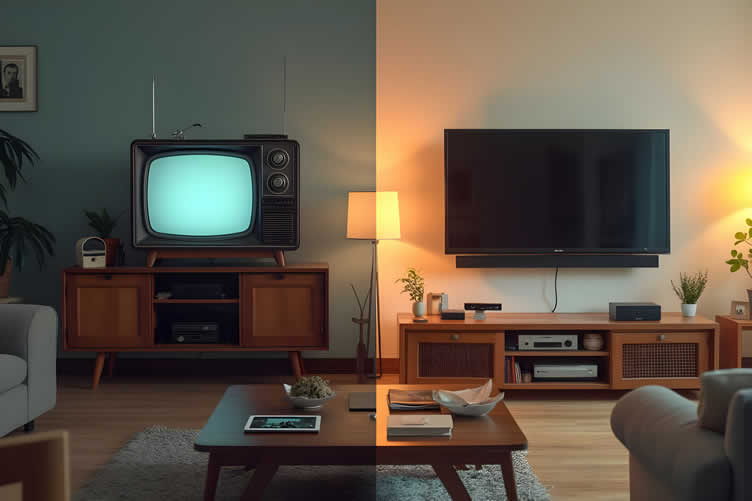
AI generated image by 123rf.com
[ view illustrations: history of tv technology ]
[ youtube: evolution of television ]

-
-
2nd: Viewing Transmission of Entertainment and Beyond
Television viewing has undergone an extraordinary evolution, shifting from the days of analog broadcasts to the high-definition, on-demand experiences we enjoy today. A significant aspect of this evolution has been the transmission technology that delivers content to our screens.
Whether you’re streaming, watching over-the-air broadcasts, or relying on cable or satellite, understanding the fundamentals of transmission technology can help you make better decisions when selecting a TV.
-
The Era of Analog Technology
The beginnings of television transmission were rooted in analog technology. Analog TV, which dominated from the mid-20th century to the early 2000s, used radio waves to transmit audio and video signals to televisions.
These signals were transmitted over airwaves and required antennas to receive them. While revolutionary at the time, analog technology had its limitations, such as poor resolution, susceptibility to signal interference, and the inability to carry advanced features like surround sound.
-
The Shift to Digital Transmission
The advent of digital TV in the late 20th and early 21st centuries marked a turning point in the way we consume entertainment. Instead of sending continuous analog signals, digital transmission converts audio and video into binary data that is sent to your TV.
This allowed for sharper picture quality, more efficient use of bandwidth, and the introduction of additional features like multi-channel audio and closed captions.
The Federal Communications Commission (FCC) mandated a full transition to digital broadcasts in the United States by 2009, which further cemented its place as the new standard. This shift also paved the way for high-definition (HD) content, with resolutions far exceeding the capabilities of analog systems.
-
Streaming and Over-the-Top Platforms
Currently, streaming services such as Netflix, Hulu, and Disney+ dominate the entertainment landscape. These platforms rely on internet transmission, often referred to as over-the-top (OTT) services.
Content is delivered directly to your TV or other connected devices via the internet, bypassing traditional broadcast, cable, or satellite systems.
Streaming offers unparalleled convenience, with users able to access vast libraries of content on demand and in ultra-high-definition formats, including 4K and HDR. However, this evolution is heavily dependent on robust internet infrastructure, which can be a challenge in regions with limited broadband access.
-
The Future of Transmission Technology
Looking forward, advancements like 5G networks and edge computing promise to redefine content transmission further. 5G technology brings faster internet speeds and lower latency, making it possible to stream even higher-quality content with minimal buffering.
Meanwhile, edge computing aims to reduce the time it takes for data to travel by processing it closer to the user, thereby enhancing the overall streaming experience.
Additionally, TV transmission is incorporating advanced compression technologies like H.266/VVC (Versatile Video Coding) to ensure that even larger 8K and immersive formats are delivered efficiently.
-
Factors to Consider for Optimal Transmission
When choosing a TV, it’s essential to consider the transmission technology it supports. Ensure your TV is compatible with current digital broadcast standards and has the necessary apps or hardware for popular streaming platforms.
Be mindful of the internet speed requirements for your household if streaming is your primary mode of content consumption.
Additionally, features like built-in tuners for over-the-air channels and compatibility with emerging technologies, such as ATSC 3.0 (NextGen TV), could future-proof your investment.
Era Technology Key Benefits Analog Radio wave transmission Basic TV access but with low resolution and interference. Digital Binary data transmission Enhanced image quality, bandwidth efficiency, HD content. Streaming/OTT Internet-based delivery On-demand, large libraries, 4K and HDR capabilities. Emerging (5G, ATSC 3.0) Advanced digital solutions Faster speeds, 8K readiness, and minimal latency. 
AI generated image by 123rf.com
[ youtube: Digital vs Analog ]
[ youtube: How Bluetooth Works ]
-
-
3rd: Understanding TV Terminology
When considering a TV monitor, the abundance of technical terms can be overwhelming. Understanding these terms is essential to make an informed purchase and to appreciate the features that modern televisions offer.
Here are some of the most frequently used terms you might come across. Each is explored in greater detail in the sections below:
- Resolution:
Indicates the clarity of the TV’s image, defined by the number of pixels. Examples include Full HD (1080p), 4K (Ultra HD), and 8K. - Refresh Rate:
The number of times the image is refreshed per second, measured in Hertz (Hz). Higher refresh rates, like 120Hz or 240Hz, provide smoother motion. - HDR (High Dynamic Range):
Technology that enhances contrast, brightness, and color depth for a more lifelike image. - OLED (Organic Light-Emitting Diode) and LED:
Types of display technology. OLED offers superior contrast and color accuracy, while LED often provides brighter displays. - Mini LED:
A display technology using smaller LEDs, offering improved brightness and contrast compared to conventional LED displays. - Smart TV:
A television with integrated internet connectivity and apps for streaming platforms like Netflix, Hulu, or YouTube. - Aspect Ratio:
The proportional relationship between the screen’s width and height. Common ratios include 16:9 for modern widescreen TVs. - Contrast Ratio:
The difference between the darkest black and the brightest white a TV can display, influencing image depth and detail. - Input Lag:
The delay between a signal being input and it appearing on the screen, important for gaming. - Ports:
Connections available on the TV, such as HDMI, USB, or Ethernet, which influence compatibility with external devices.
Glossary of Terms: Transmission
- CRT (Cathode Ray Tube):
A technology used in early television and computer monitors that creates images by directing electron beams onto a phosphorescent screen. - Analog Signal:
A continuous signal used in traditional television transmission, carrying both video and audio information. - Digital Transmission:
A method of broadcasting using binary data, allowing for higher quality and efficiency compared to analog systems. - Streaming:
The delivery of content over the internet in real time, replacing traditional broadcast methods like cable or satellite for some viewers. - Transmitter:
A device that sends signals (audio, video, etc.) into the airwaves to be received by televisions or radios. - Spectrum Efficiency:
A measure of how effectively the available frequency spectrum is used for transmitting data. - Set-Top Box:
An external device connecting to a television, enabling access to digital channels, cable, or streaming services.

copyright image by 123rf.com
[ youtube: television terminology ]
[ youtube: Monitors Explained ]
- Resolution:
-
-
ideas to view and compare from the information discussed above
book: television historysmart television antennawireless booster
Scroll up to directory … or scroll to next section about the new age of TVs …






… latest TV technology for enhanced entertainment

second “photo remodeling” idea
copyright image by 123rf.com
TV Tech Tip 2: Introduction to the Basics of Television Technology
Notes:
-
Television technology has advanced significantly over the years, providing viewers with more options and innovative features than ever before. For anyone exploring the world of TVs, it can be overwhelming with the sheer variety of terms, specifications, and advancements to consider.
From display types to resolution options, understanding key concepts is critical in making an informed decision that aligns with your entertainment needs.
This guide will walk you through the first things to know about TVs, providing clarity on essential components and features, so you can confidently assess your options and find the perfect match for your viewing preferences.
-
Quick scroll to “television technology” side notes …
-
-
1st: Selecting Screen Size When Choosing a TV
Selecting the right screen size for a TV is one of the most important decisions for creating an optimal viewing experience. A TV’s screen size can impact how immersive your entertainment feels, how comfortable the viewing experience is, and how well the television integrates into your living space.
To make an informed choice, it’s essential to understand the factors that influence screen size selection, including the room’s dimensions, viewing distance, resolution, and intended use.
Below, we explore these aspects in detail to help you make a decision that perfectly suits your needs.
-
Types of Screen Sizes
Televisions come in a wide range of screen sizes to suit different preferences, room configurations, and viewing needs.
- Small-sized screens, typically ranging from 24 to 32 inches, are ideal for compact spaces like kitchens or bedrooms.
- Mid-sized screens, between 40 and 55 inches, are versatile choices that work well in most living rooms and provide a balanced viewing experience.
- Larger screens, 60 inches and above, are perfect for home theaters or expansive spaces where a cinematic experience is desired.
- Additionally, ultra-large TVs exceeding 80 inches are becoming increasingly popular for viewers who want an immersive, larger-than-life display.
Understanding these categories can help consumers choose a screen size that best complements their space and enhances their overall viewing experience.
-
Viewing Distance and Screen Size
The relationship between viewing distance and screen size is critical for ensuring a comfortable and enjoyable experience.
Larger TVs are best paired with rooms that allow for greater distance between the viewer and the screen. Conversely, smaller TVs can fit comfortably in spaces where seating is closer to the display.
Experts recommend a general rule of thumb known as the "1.5 to 2.5 times the screen size" guideline. For example, if you have a TV with a 55-inch screen, the ideal viewing distance falls between roughly 6.8 and 11.5 feet.
This guideline ensures that viewers are neither overwhelmed by details nor straining to see finer elements on the screen.
-
The Role of Resolution
The resolution of your TV directly affects how much screen size matters at varying distances. TVs with higher resolutions, such as 4K Ultra HD or 8K, allow you to sit closer to the screen without noticing pixelation. This is because higher pixel density offers greater clarity and detail.
For instance, with a 4K TV, you can sit closer and still experience sharp imagery compared to a 1080p HD TV of the same size.
This makes it feasible to choose a larger TV for the same room dimensions if it boasts a higher resolution. Understanding your resolution needs is essential for balancing screen size with clarity and comfort.
-
Room Size and Placement Considerations
Screen size should also be evaluated in the context of your room’s layout and viewing environment. Large TVs might dominate small spaces, leaving little room for other furnishings or obstructing proper navigation.
Alternatively, a TV that is too small for a large living area can feel unimpressive and detract from the viewing experience. Measuring the available wall or stand space before choosing a screen size is necessary to maintain visual harmony within your living area.
-
Intended Use and Content Preference
Another factor to consider is how you plan to use your TV most frequently. For home theaters or setups meant for gamers, opting for larger screen sizes delivers a more immersive and engaging experience.
Frequent movie enthusiasts might also prefer larger screens to replicate the cinematic feel of a theater.
However, for kitchens, bedrooms, or secondary spaces where casual viewing is the norm, smaller screen sizes are sufficient while being more budget-friendly.
Aspect Optimal Screen Size Consideration Screen Size Size Ideal Viewing Distance Recommended Use 32 inches 4–6.5 feet Suitable for small bedrooms or kitchens. 40 inches 5–8.5 feet Ideal for medium-sized bedrooms or compact living rooms. 50 inches 5–10.5 feet Great for small to medium living spaces. 65 inches 8–13.5 feet Perfect for larger living rooms or home theaters. 75 inches or more 10+ feet Best for large rooms or dedicated home theater setups. Resolution Higher resolution (e.g., 4K, 8K) allows closer viewing and supports larger screens in the same space. Room Size Ensure screen size matches room dimensions for aesthetic balance and functional space. Intended Use Larger for immersive content (movies, gaming); smaller for casual viewing in compact spaces. 
copyright image by 123rf.com
[ view diagram: how tv screen sizes are measured ]
[ youtube: How To Choose The Right Screen Size! ]
-
-
2nd: What to Know About TV Resolution
Choosing the right TV resolution is one of the most critical factors in ensuring a high-quality viewing experience. Resolution affects the sharpness, clarity, and overall visual fidelity of the content displayed.
Simply put, resolution refers to the number of pixels that make up the display on a screen—measured horizontally and vertically. The more pixels a screen has, the more detailed the images will appear.
However, selecting a resolution involves more than just opting for the highest number available; it depends on viewing distance, screen size, the type of content you consume, and budget considerations.
This section will provide an authoritative breakdown of different TV resolutions to help you make an informed decision tailored to your needs and preferences.
-
HD (High Definition) – 720p
High Definition, or 720p, was once the gold standard for television resolution and remains a viable choice for small TVs or basic entertainment purposes.
With a resolution of 1280 x 720 pixels, it is commonly found on budget TVs and is sufficient for bedrooms or guest rooms where immersive, high-detail viewing may not be a priority.
Content in 720p is increasingly rare as providers shift to higher resolutions, but it still works well for casual viewers and older streaming hardware. For those opting for smaller screen sizes (32 inches or below), HD resolution can deliver a decent picture without unnecessary over investment.
-
Full HD – 1080p
Full HD, or 1080p, has a resolution of 1920 x 1080 pixels and offers a noticeable improvement in sharpness and detail over 720p. It is particularly well-suited for medium-sized TVs between 30-50 inches.
Streaming services such as Netflix, Hulu, and Amazon Prime support 1080p for much of their older and standard-definition content. Full HD remains a reliable choice for those who value better picture quality but have a modest budget or do not require the latest technology.
Since many DVDs and Blu-rays are also formatted in 1080p, this resolution is ideal for film enthusiasts who still rely on physical media.
-
4K Ultra HD – 2160p
Today, 4K Ultra HD (2160p) is the new benchmark for resolution in TVs with a resolution of 3840 x 2160 pixels. It offers four times the pixel count of Full HD, delivering exceptional detail, vibrant colors, and a more immersive visual experience.
4K is best for screen sizes of 55 inches or larger, particularly appealing for movie buffs, gamers, and sports enthusiasts. Nearly all major streaming platforms now support 4K content, and modern gaming consoles such as the PlayStation 5 and Xbox Series X are optimized for 4K performance.
However, to take full advantage of 4K, your viewing distance should align with the screen size. Additionally, ensure you have access to a stable, high-speed internet connection to stream 4K content seamlessly.
-
8K Ultra HD – The Future of Television
8K Ultra HD, with a resolution of 7680 x 4320 pixels, represents the pinnacle of display technology. Boasting four times the resolution of 4K and sixteen times that of Full HD, 8K delivers unparalleled image precision.
However, the availability of native 8K content is still limited, making it a niche choice for early adopters and those who demand the cutting edge of technology.
8K TVs are best suited for very large screens (65 inches or larger) in open spaces where viewers can sit closer to the display. While 8K is undoubtedly the future, the need for substantial bandwidth and premium pricing may deter most consumers at this stage.
-
The Importance of Native and Upscaled Content
When deciding on resolution, it is crucial to consider the compatibility of your TV with the content you plan to watch. Native resolution refers to the original quality of the material, such as a movie filmed in 4K.
Many TVs also use upscaling technology to refine lower-resolution content for higher-resolution screens. For example, if you own a 4K TV but are watching a 1080p movie, the TV’s upscaling feature will enhance the material to approach 4K clarity.
However, native content will always offer better results than upscaled imagery, so it is worth researching the availability of compatible movies, shows, and games before making a purchase.
Resolution Pixel Dimensions Best Use Cases Common Availability 720p 1280 x 720 Small TVs (32 inches or less), budget-friendly setups Limited, older streaming content 1080p 1920 x 1080 Mid-sized TVs, physical media (Blu-ray, DVDs) Moderate support for older and standard content 4K 3840 x 2160 Large TVs (55+ inches), streaming, gaming, sports Widely available on platforms and modern gaming consoles 
copyright image by 123rf.com
[ view diagram: understanding tv resolution ]
[ youtube: TV Resolutions: A Comprehensive Guide ]
-
-
3rd: Understanding TV Panel Types
When choosing a TV, the type of panel it uses is a crucial factor that directly impacts picture quality, viewing angles, brightness, and overall user experience.
Panels are the foundation of modern televisions, and understanding their differences can significantly aid in making an informed decision tailored to your specific needs and budget.
The three most common types, LCD with LED backlighting (including IPS and VA variants), OLED, and QLED, each bring unique strengths and characteristics to the table.
Below, we break down the key features of these panel types to help you determine which aligns best with your viewing habits.
-
LCD (LED Backlit) Panels
LCD (Liquid Crystal Display) panels with LED (Light-Emitting Diode) backlighting are the most widely available and budget-friendly option on the market. They work by using an array of LED lights to illuminate a liquid crystal display.
This technology is further divided into two primary panel types—IPS (In-Plane Switching) and VA (Vertical Alignment)—each suited to different usage scenarios.
IPS panels are known for their wide viewing angles, making them ideal for environments where multiple viewers will watch from varying positions. However, their contrast levels are typically lower, leading to less pronounced dark scenes.
VA panels, on the other hand, offer excellent contrast and deeper blacks but suffer from narrower viewing angles. Both panel types are energy-efficient and can provide high levels of brightness, suitable for brightly lit rooms.
Mini-LED technology further enhances the viewing experience by offering greater control over brightness and contrast. Unlike traditional LED backlighting, mini-LEDs utilize thousands of smaller, individually controlled light zones.
This precision allows for deeper blacks and brighter highlights, significantly reducing issues like haloing or light bleed. Combined with HDR capabilities, mini-LED displays provide an extraordinary level of detail and richness, making them ideal for high-performance devices such as modern TVs, monitors, and laptops.
-
OLED Panels
OLED (Organic Light-Emitting Diode) technology represents a premium option with some of the best picture quality available today.
Unlike LCD panels, OLED displays use self-emissive pixels that can independently turn on and off, resulting in perfect blacks and infinite contrast ratios. This makes OLED particularly excellent for cinematic experiences, where deep black levels can transform the viewing of HDR content.
OLED panels also offer exceptional color accuracy, fast response times, and ultra-wide viewing angles, ensuring consistent picture quality regardless of seating position.
However, OLED TVs come at a higher price point, and potential issues such as image retention (commonly referred to as "burn-in") may concern users who display static images for long periods. Despite these considerations, OLED remains a favorite among enthusiasts and those seeking top-tier performance.
-
QLED Panels
QLED (Quantum Dot Light-Emitting Diode) TVs are essentially a variation of LCD technology but use a quantum dot layer to enhance color reproduction and brightness. This panel type is primarily marketed by brands such as Samsung but is also found in TVs from other manufacturers adopting similar quantum dot technology.
QLED TVs excel in delivering vibrant, accurate colors and extremely high brightness levels, making them a top choice for well-lit spaces.
While they share similarities with traditional LED-LCD panels, including the reliance on backlighting, the quantum dots give QLED a competitive edge in delivering lifelike, richly saturated visuals.
QLED panels do, however, lack the perfect black levels and infinite contrast of OLEDs due to their inability to independently control individual pixels.
Panel Type Key Strengths Best Use Cases Potential Limitations LCD (LED Backlit) Affordable, energy-efficient, high brightness levels General-purpose home viewing, bright rooms Limited contrast (IPS), narrow viewing angles (VA) OLED Perfect blacks, infinite contrast, wide viewing angles, excellent picture quality Cinematic viewing, dark rooms, HDR and gaming enthusiasts High cost, risk of burn-in with static content QLED Vibrant colors, exceptional brightness, durable against burn-in Brightly lit spaces, gaming, sports, general high-quality viewing Black levels not as deep as OLED 
copyright image by 123rf.com
[ view diagram: tv panels types ]
[ youtube: OLED, mini-LED, QLED, LCD … ]
-
-
4th:Type of Displays for Every Viewing Need
High-resolution displays are revolutionizing how we consume content, work, and play. With advancements in display technology, selecting the right high-resolution screen tailored to your specific needs has become a critical decision.
High-resolution displays are defined by their ability to produce crystal-clear images and sharp details, achieved through increased pixel density. From home entertainment to gaming, work productivity to creative endeavors, understanding the features of high-resolution displays ensures you make an informed choice that enhances your experience.
This section will explore the key factors in selecting the best high-resolution display based on your unique needs, providing expert insight to guide you through this decision-making process.
-
High-Resolution Displays for Home Entertainment
When it comes to home entertainment, clarity and immersive visuals take center stage. High-resolution options such as 4K and 8K Ultra HD displays provide exceptional image detail, making them ideal for streaming the latest movies, TV shows, or sports events.
Look for screens with High Dynamic Range (HDR) capabilities, as they offer vibrant color reproduction and deep contrast, delivering a cinematic experience from the comfort of your living room.
OLED and QLED technologies are also noteworthy for their superior picture quality, with OLED offering perfect black levels and QLED excelling in brightness and color vibrancy.
For those who value energy efficiency and seamless integration into their smart home, consider models equipped with AI-powered display enhancements. These features adjust brightness and contrast in real time, optimizing your viewing experience under varying lighting conditions.
-
High-Resolution Displays for Gaming
Gaming demands high-performance screens that prioritize speed and responsiveness without compromising on image quality. A high refresh rate, typically 120Hz or 144Hz, is vital for smooth motion rendering and reduced visual latency, especially for fast-paced games.
Aim for resolutions such as 1440p or 4K, which offer a balance of visual richness and system performance. Gaming enthusiasts should also consider displays featuring support for adaptive sync technologies like NVIDIA G-Sync or AMD FreeSync.
These features eliminate screen tearing and ensure fluid visuals, providing a competitive edge. Additionally, low input lag and customizable display settings are critical for gamers to fully immerse themselves and maintain responsiveness during gameplay.
-
High-Resolution Displays for Work Productivity
For professionals and remote workers, a high-resolution display can significantly improve productivity and comfort. Monitors with a 4K or 5K resolution are particularly beneficial for multitasking, as they allow a larger digital workspace where multiple windows and applications can run side by side.
Creative professionals, such as graphic designers and video editors, should focus on displays with wider color gamuts, factory calibration, and features such as 10-bit color depth for accurate color replication.
The screen’s ergonomics, including adjustable height and blue light filtering technologies, contribute to a healthier working environment, reducing eye strain during prolonged use.
For presentations or collaborative tasks, ultra-wide monitors or dual-display setups with consistent high resolution can maximize efficiency and enhance clarity.
-
High-Resolution Displays for Other Needs
Not all uses fit into just entertainment, gaming, or work categories. Specialized high-resolution displays address niche needs such as virtual conferencing, medical imaging, or creative artistic projects.
For example, displays used in telehealth and medical diagnostics may prioritize 8K or 10K precision to showcase hyper-detailed visuals critical for diagnosis and analysis. Artists might find pen displays with 4K resolution invaluable for their touch-responsive accuracy and vivid results.
Meanwhile, if the screen is intended for public spaces like digital signage or educational settings, resolution should be coupled with durability, robust brightness, and anti-glare features to ensure visibility and longevity.
Viewing Need Recommended Resolution Features to Consider Technologies Home Entertainment 4K or 8K UHD HDR, OLED/QLED, AI-driven display adjustments Dolby Vision, HDR10, Hybrid Log-Gamma (HLG) Gaming 1440p or 4K High refresh rate, low input lag, adaptive sync NVIDIA G-Sync, AMD FreeSync Work Productivity 4K or 5K Wide color gamut, factory calibration, ergonomics, blue light filtering sRGB, AdobeRGB, DCI-P3 Specialized/Niche Needs 4K to 10K, depending on use Precision, brightness, durability, touch responsiveness (for artistic or educational purposes) Pen-enabled screens, anti-glare coatings, professional-grade calibration 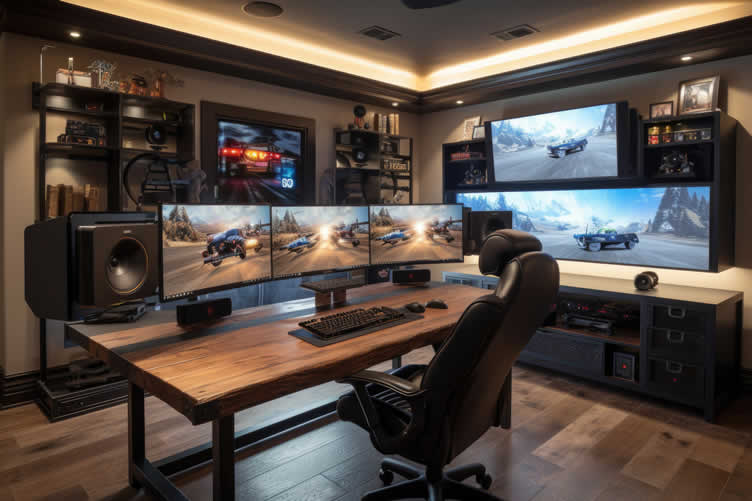
copyright image by 123rf.com
Gaming and Work Monitors
viewing amazon -
-
-
ideas to view and compare from the information discussed above
Scroll up to directory … or scroll to next section about the new age of TVs …

addressing the new age of TVs in entertainment and other home improvement needs …

… grab this directory of ideas for future use




… remodeling decisions



Download this PDF for a concise summary of all you need to know about …?

May We Suggest Other Photo Remodeling Ideas About
“The Interior Look of Your Home …” (new win)



third “photo remodeling” idea
AI generated image by 123rf.com
TV Tech Tip 3: Other Key TV Features Beyond the Display
Notes:
-
While choosing the right TV panel is crucial, it is equally important to consider other essential features that significantly influence your viewing experience.
Factors such as High Dynamic Range (HDR), refresh rates, connectivity options, and audio quality play a pivotal role in determining overall satisfaction.
HDR enhances picture quality by delivering deeper contrasts and brighter highlights, while refresh rates ensure smooth motion, especially for fast-paced content like sports or gaming.
Connectivity features, such as HDMI ports and wireless capabilities, dictate the ease of integrating other devices. Additionally, sound is a major component—good audio performance can transform how immersive your content feels.
Understanding these elements will empower you to make a more informed decision and maximize your TV’s potential.
-
Quick scroll to “other TV features” side notes …
-
-
1st: Understanding HDR Support
High Dynamic Range (HDR) support is a crucial feature to consider when purchasing a TV, offering a significant leap in picture quality compared to standard dynamic range (SDR).
HDR ensures that the images on your TV are more vibrant, detailed, and lifelike by enhancing contrast, brightness, and color accuracy. This means brighter highlights, deeper shadows, and a greater differentiation between the brightest and darkest areas of the screen.
With HDR-compatible content becoming more widely available through streaming services, Blu-ray discs, and gaming platforms, understanding the various types of HDR and their applications is key to making an informed decision for the best viewing experience.
-
HDR10 – The Universal Standard
HDR10 is the most widely supported HDR format across TVs and devices. It is an open standard, meaning manufacturers do not have to pay licensing fees, ensuring its adoption in nearly all HDR-compatible TVs and content.
HDR10 uses static metadata, which applies the same brightness and contrast settings throughout the entire video. While it lacks scene-by-scene optimization, HDR10 still delivers a noticeable improvement in dynamic range and color over SDR.
This format is ideal for general HDR viewing, and nearly all streaming platforms such as Netflix, Amazon Prime Video, and Disney+ offer HDR10-supporting content.
-
Dolby Vision – Premium HDR Experience
Dolby Vision is a dynamic HDR format that provides a superior viewing experience by optimizing brightness, contrast, and color on a frame-by-frame or scene-by-scene basis. It supports up to 12-bit color depth and can achieve peak brightness levels far beyond standard TVs, resulting in exceptionally detailed and vibrant images.
Dolby Vision is commonly found on premium TVs and is widely supported by streaming services like Netflix, Apple TV+, and Vudu, as well as certain 4K Ultra HD Blu-ray titles.
If you prioritize exceptional HDR performance and plan to invest in premium content, Dolby Vision is a feature worth seeking out.
-
HDR10+ – Dynamic Metadata Alternative
HDR10+ offers similar dynamic metadata functionality as Dolby Vision but operates as an open standard without the associated licensing costs. Created by Samsung and Panasonic, HDR10+ dynamically adjusts brightness and contrast on a scene-by-scene basis, ensuring nuanced and optimized picture quality.
While it may not support the higher color bit depths of Dolby Vision, HDR10+ still delivers excellent HDR performance at a potentially lower cost.
Streaming platforms like Amazon Prime Video actively support HDR10+, making it a compelling option for consumers looking for dynamic HDR without premium pricing.
-
HLG – Hybrid Log-Gamma for Broadcasts
HLG (Hybrid Log-Gamma) was developed specifically for live broadcasts and is increasingly being used in sports and event programming. Unlike other HDR formats, HLG does not require metadata, making it backward compatible with older SDR TVs while still delivering enhanced image quality on HDR-compatible displays.
While not as widely supported as HDR10 or Dolby Vision, HLG is a valuable addition if you watch live broadcasts or stream sports events that require HDR support.
-
Advanced HDR by Technicolor – A Niche Format
Advanced HDR by Technicolor is another HDR format that focuses on dynamic metadata but has limited adoption compared to HDR10, Dolby Vision, or HDR10+.
While it offers solid performance in supported content, its niche use and lack of widespread support make it less of a priority when choosing a TV. Contents supporting this standard are relatively scarce, but it is occasionally used in select broadcast productions.
HDR Format Key Features Common Usage Supported Platforms HDR10 Static metadata, widely adopted, 10-bit color depth General HDR viewing Most streaming services, Blu-ray discs Dolby Vision Dynamic metadata, frame-by-frame optimization, 12-bit color depth Premium content viewing Netflix, Apple TV+, Vudu, 4K Ultra HD Blu-ray HDR10+ Dynamic metadata, open standard, cost-effective alternative Dynamic HDR viewing at lower cost Amazon Prime Video, compatible Blu-ray players HLG No metadata required, HDR for live broadcasts Sports, event programming Live TV broadcasts, some streaming services Advanced HDR by Technicolor Dynamic metadata, limited adoption Niche broadcast productions Rarely used, select broadcast content 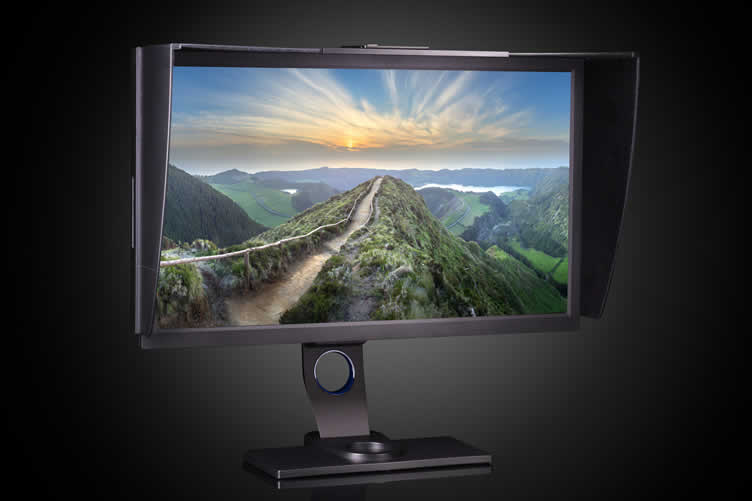
copyright image by 123rf.com
[ view diagram: hdr support meaning ]
[ youtube: Do HDR Formats Matter? ]
-
-
2nd: What to Know About Refresh Rate
Refresh rate is a critical specification when evaluating the performance of a television. It directly affects how motion is displayed on the screen, influencing the smoothness and clarity of fast-moving scenes.
While it may not be the first consideration for every buyer, understanding refresh rate is essential for gamers, sports enthusiasts, and anyone who regularly watches action-heavy content.
By demystifying this technical term and explaining its practical impact, you can make a more informed decision to match your entertainment preferences.
-
What is Refresh Rate?
Refresh rate refers to the number of times a display refreshes the image on the screen per second, measured in Hertz (Hz).
For instance, a TV with a refresh rate of 60Hz updates its image 60 times per second. It is an underlying factor in how fluid and responsive on-screen action looks to the viewer.
A higher refresh rate results in smoother motion, which is particularly noticeable during scenes with rapid movements, such as action-packed sports and gaming sequences. Conversely, lower refresh rates can lead to motion blur or choppiness, diminishing the viewing experience.
Modern TVs use advanced motion processing to improve perceived fluidity further. However, native refresh rates remain a fundamental baseline for performance. Understanding these rates and how they correspond to the refresh rate specifications in marketing materials can help you avoid pitfalls in purchasing.
-
Standard Refresh Rates and Their Impact
Most televisions today have native refresh rates of 60Hz or 120Hz. These two levels are the most common and sufficient for different types of viewing experiences.
60Hz TVs are adequate for everyday content such as movies, TV shows, and casual sports viewing. They provide good performance for slower-paced content, which does not require ultra-smooth motion.
However, during fast-paced or detailed sequences, such as a hockey game or a high-end video game, motion blur might become apparent, impacting the clarity. This refresh rate is ideal for viewers on a budget or those who only occasionally consume media with intense action.
120Hz TVs, on the other hand, deliver a noticeable improvement in smoothness and motion clarity. They are particularly suited for gaming and high-end sports enthusiasts who demand precision and fluidity.
These TVs support motion-intensive content without breaking immersion, and they often integrate well with technologies like HDMI 2.1, variable refresh rate (VRR), and 4K gaming.
The higher frame rates they allow can showcase the full potential of modern gaming consoles or high-quality streamed content on top-tier platforms.
-
Beyond 120Hz – The Rise of 144Hz and Beyond
For individuals pushing the boundaries of traditional viewing, televisions offering refresh rates of 144Hz or higher are now appearing on the market.
These are primarily targeted at gamers who require ultra-high-performance displays for competitive play or those creating hybrid setups with PC monitors.
Despite their technological advancements, content supporting these refresh rates remains relatively niche, and the benefit might not be fully realized in everyday television consumption.
-
Marketing Terms and Misleading Claims
When evaluating refresh rates, it is crucial to distinguish between "native refresh rate" and "effective refresh rate." Some manufacturers list higher effective refresh rates, which leverage motion enhancement technologies to artificially smooth motion.
For example, a TV marketed with a "240Hz effective refresh rate" may have a native refresh rate of only 120Hz. Understanding these terms prevents confusion and ensures that you invest in true performance rather than marketing embellishments.
Refresh Rate Level Use Case Advantages Considerations 60Hz General viewing, casual sports usage Budget-friendly; satisfactory for typical content Can result in motion blur during action-heavy scenes or gaming 120Hz Gaming, sports, action-heavy content Smoother motion, reduced blur, future-proof Higher cost; content may not always utilize higher rate effectively 144Hz or Higher Competitive gaming, hybrid setups Ultra-smooth visuals for niche users Rare content availability; limited to specialized applications 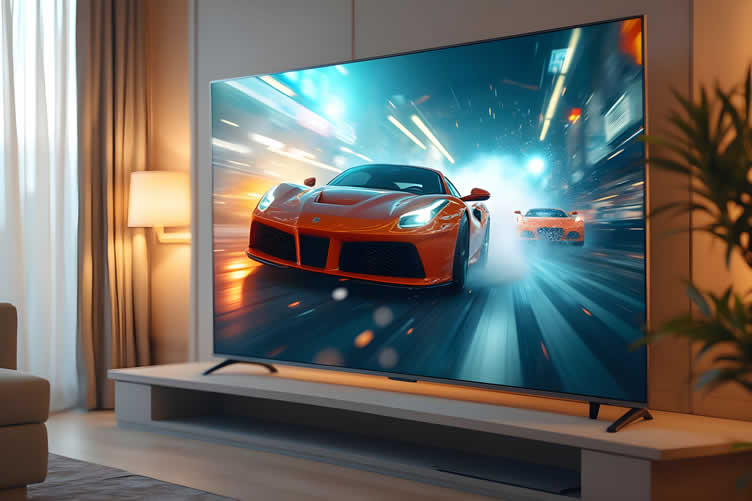
AI generated image by 123rf.com
[ view diagram: tv refresh rate ]
[ youtube: What is the Refresh Rate? ]
-
-
3rd: Television Connectivity in Modern Models
Television connectivity has evolved significantly with advancements in technology, resulting in modern TVs offering a plethora of options to enhance the user experience.
Connectivity is a critical factor when evaluating TVs, as it determines how seamlessly your devices integrate into your entertainment ecosystem. From streaming services to gaming consoles and surround sound systems, having the right inputs and outputs ensures maximum utilization of your television’s features.
Smart TVs have further expanded connectivity capabilities, making them an indispensable part of many homes.
-
HDMI and Its Importance in Modern TVs
High-Definition Multimedia Interface (HDMI) remains the most essential connection type for modern televisions. It serves as the primary conduit for transmitting high-definition video and audio between devices with minimal latency and maximum quality.
Current models often support multiple HDMI ports, with newer iterations including HDMI 2.1. This standard enables 4K video at higher refresh rates (up to 120Hz) and supports advanced features like Variable Refresh Rate (VRR) and Auto Low Latency Mode (ALLM).
These functionalities cater particularly to gaming enthusiasts and users who prioritize pristine video playback.
-
Wireless Connectivity and Smart Features
Wireless connectivity, including Wi-Fi and Bluetooth, has redefined how televisions interact with various devices. Smart TVs rely heavily on stable Wi-Fi connections for accessing streaming platforms like Netflix, Disney+, and Hulu, eliminating the need for external devices.
The latest models are equipped with dual-band Wi-Fi for a faster, more reliable internet connection. Bluetooth, on the other hand, is increasingly used for connecting wireless headphones, speakers, or game controllers, offering flexibility and convenience.
Smart features integrate seamlessly with these wireless connectivity options. Many TVs now come preloaded with built-in operating systems such as Android TV, Roku OS, or proprietary software like LG’s webOS and Samsung’s Tizen.
These platforms support easy app downloads, voice assistants, and casting features, creating a centralized hub for entertainment. Google’s Chromecast and Apple’s AirPlay 2 compatibility are also commonly available, allowing users to stream content directly from smartphones or tablets.
-
USB Ports for Increased Versatility
The inclusion of USB ports on televisions allows users to expand storage, play multimedia files, or connect peripherals.
With the modern shift to digital storage, USB connectivity is vital for accessing personal content like photos, music, and videos directly from an external drive. It also supports firmware updates for your TV, ensuring access to the latest features and security enhancements.
Some premium TVs even support USB recording, enabling you to record live broadcasts for later viewing at your convenience.
-
Ethernet and LAN Connections
Although wireless options dominate, Ethernet ports (LAN) are still prevalent in high-end smart TVs. Wired connections provide unmatched stability and speed, which are particularly valuable for users streaming high-definition or 4K content where buffering can be disruptive.
Gamers also benefit from reduced latency when relying on Ethernet over wireless. For households with patchy Wi-Fi coverage, Ethernet ensures that every feature of your smart TV functions without compromise.
-
Legacy Ports and Adaptability
Legacy connection options, such as component and composite inputs, are less common in newer TV models but still present in some cases to support older devices like DVD players or gaming consoles.
Adapters and converters are increasingly used to bridge the gap between legacy devices and advanced TV connectivity standards, ensuring compatibility in more diverse setups.
Feature Functionality Devices Supported HDMI High-definition video and audio transmission; advanced features with HDMI 2.1 Blu-ray players, gaming consoles, streaming boxes Wireless (Wi-Fi/Bluetooth) Access to streaming services, peripherals like headphones and speakers Streaming devices, smartphones, game controllers USB Multimedia playback, firmware updates, external storage Flash drives, external HDDs Ethernet (LAN) Stable wired internet connectivity Router or network switch Legacy Ports Support for older video devices DVD players, vintage gaming systems 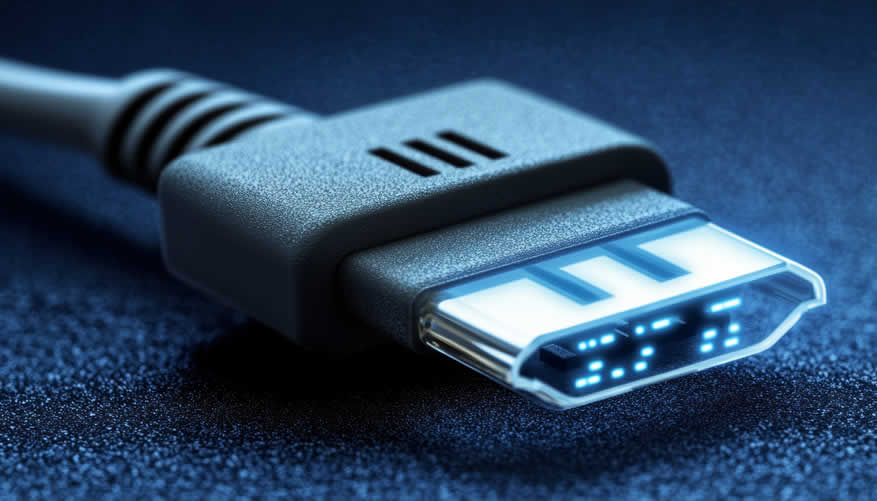
AI generated image by 123rf.com
[ view diagram: HDMI wiring diagram ]
[ youtube: HDMI ARC and eARC Explained ]
[ youtube search: setup smart TV ]
-
-
4th: Television Sound Quality
When it comes to enhancing your viewing experience, sound quality plays an equally critical role as display resolution. Modern televisions offer a range of audio technologies designed to deliver immersive and vibrant soundscapes that complement high-definition visuals.
Understanding the options available will help you select a TV that meets your audio expectations or optimize an existing setup for a truly cinematic experience.
The following sections explore key aspects of television sound quality and the available technologies.
-
Built-In Stereo Speakers
The most common sound configuration in televisions involves built-in stereo speakers, which are designed to deliver balanced audio output for general use. These speaker systems provide standard left and right channels, suitable for casual TV watching in smaller rooms or environments where external audio setups are unnecessary.
Due to space constraints in ultra-slim TV designs, internal speakers often struggle with deep bass performance, which may result in a less impactful soundstage. However, advancements in audio-enhancing technologies, such as dynamic equalization and audio processing software, have improved performance over the years.
-
Surround Sound and Virtual Audio Technologies
For viewers seeking an immersive experience, modern televisions support surround sound and virtual audio technologies that simulate multi-directional sound.
Virtual surround systems like Dolby Atmos or DTS:X create the sensation that sound is coming from all around you, including from above, even if the TV only features built-in speakers.
These technologies rely on advanced algorithms that project and bounce sound waves to mimic a multidimensional environment, making them an excellent choice for home theater setups or avid cinephiles. This feature is further enhanced when paired with soundbars or home audio systems.
-
External Soundbars
Soundbars are a popular solution for users seeking a significant upgrade to their television’s audio quality without the complexity of a full surround sound system. These sleek devices typically consist of multiple speaker drivers arranged in a single unit, delivering improved clarity, depth, and bass.
Many modern soundbars feature sophisticated enhancements such as wireless connectivity, voice assistants, and compatibility with advanced sound formats like Dolby Audio or DTS.
Easy to set up and space-efficient, soundbars provide a practical solution for users who want impactful sound without extensive equipment.
-
Home Theater Systems
For true audiophiles, a dedicated home theater system is often the pinnacle of sound quality. These systems typically include a network of speakers such as a central channel, left/right front speakers, rear speakers, and a subwoofer for deep bass tones.
Combined, they create a highly immersive and cinematic auditory experience. Modern home theater setups often support cutting-edge audio technologies that perfectly complement 4K and 8K televisions, providing synchronized and dynamic sound effects.
While these systems require careful placement and more substantial investment, they offer a superior listening experience for dedicated entertainment spaces.
-
Wireless Audio Options
Wireless audio systems, including portable or Wi-Fi-enabled speakers, have become an increasingly significant complement to television audio. These solutions are ideal for users who prioritize flexibility and minimal cable clutter.
Bluetooth and wireless soundbars allow for seamless connectivity with your TV, while multi-room setups enable you to enjoy synchronized audio throughout your living space.
Wireless audio ensures convenience without sacrificing sound quality, especially when paired with enhanced codecs such as Qualcomm’s aptX or AAC.
Technology Characteristics Best Use Cases Built-In Stereo Speakers Standard left and right channels, compact, limited bass. Casual TV viewing, small spaces. Surround Sound/Virtual Simulates multi-directional sound (e.g., Dolby Atmos); immersive experience. Home theater setups, cinematic experiences. External Soundbars Enhanced audio clarity, depth, and bass; sleek design with multiple drivers. Easy upgrades for high-quality sound. Home Theater Systems Comprehensive, multi-speaker setups with superior surround sound for immersive auditory experiences. Audiophiles, large spaces, home cinema enthusiasts. Wireless Audio Options Bluetooth/Wi-Fi platforms with portable, clutter-free connectivity; compatible with advanced codecs. Versatile, multi-room synchronized audio solutions. 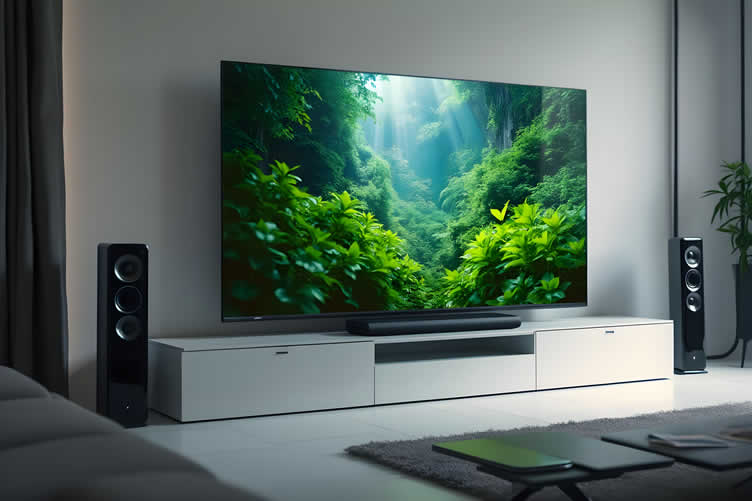
AI generated image by 123rf.com
-
-
-
ideas to view and compare from the information discussed above
Scroll up to directory … or scroll to next section about the new age of TVs …
SHARE IT ..! You might have someone in your social network who could find this informative the new age of TVs and monitors valuable. Feel free to share it on Facebook, X (formally Twitter), LinkedIn, or Pinterest!



Budgeting Worksheet For Costing Home Remodeling and Home Improvement Decisions
 File Type (excel)
looking for other interesting topics that may be helpful …?


fourth “photo remodeling” idea
AI generated image by 123rf.com
TV Tech Tip 4: Enhancing Entertainment with a Smart TV
… and AI integration
Notes:
-
The world of home entertainment has undergone a revolutionary transformation with the advent of Smart TVs and AI-powered features. These technologies work hand-in-hand to deliver a truly personalized and seamless viewing experience.
From intuitive voice controls to advanced recommendation systems, the integration of artificial intelligence into Smart TVs allows users to effortlessly access and enjoy a variety of content tailored to their preferences.
This combination not only streamlines access to entertainment but also opens the door to innovative features, transforming how we interact with our devices. Discover how Smart TV and AI integration elevate your entertainment possibilities to the next level.
-
Quick scroll to “smart TV with AI” side notes …
-
-
1st: Why a Smart TV Should Be Your Next Upgrade
Choosing your next entertainment device can be an overwhelming decision, with various factors such as quality, convenience, and features playing an important role. Smart TVs stand out as a revolutionary investment that merges traditional television with the technological innovation of modern-day digital ecosystems.
By providing seamless access to streaming platforms, personalized content recommendations, and smart home integration, Smart TVs have become a staple in redefining the entertainment experience.
Below, we’ll explore the key differences between Smart TVs and traditional televisions and how investing in a Smart TV can elevate your viewing experience beyond expectation.
-
What Makes Smart TVs Different from Regular TVs?
A Smart TV is a step beyond the capabilities of a traditional television. Conventional TVs require external devices like DVD players or streaming sticks to access digital content; Smart TVs, on the other hand, are equipped with built-in Wi-Fi and advanced operating systems, allowing users to instantly connect to the internet.
This integrated connectivity enables features such as streaming movies, downloading applications, and even browsing the web directly from your TV.
Furthermore, Smart TVs use advanced processors and cutting-edge screen technologies, such as 4K UHD, OLED, or QLED panels, ensuring a superior picture quality that is difficult for standard televisions to match.
Many Smart TV models come with AI-powered voice assistants like Alexa, Google Assistant, or proprietary systems, making functionality both intuitive and hands-free. This superiority in technology bridges the gap between the past and the future of home entertainment.
-
How Smart TVs Enhance Your Entertainment Experience
The magic of a Smart TV lies in its ability to provide a more personalized and immersive experience. With AI-powered content recommendation systems, Smart TVs learn your viewing preferences and suggest shows, movies, or videos tailored to your tastes.
This ensures that you’re never out of ideas for what to watch, transforming entertainment into a curated, user-specific interaction.
Another key feature is the integration of Smart TVs within your smart home ecosystem. Many models are designed to sync seamlessly with other smart devices, allowing you to control your lighting, thermostat, or security cameras directly from your TV screen. This seamless interoperability creates a central hub for convenience and efficiency.
Smart TVs also cater to the needs of gamers, with advanced technology like high refresh rates (120 Hz or more), low input lag, and compatibility with cloud gaming platforms, offering an exceptional gaming experience.
Additionally, Smart TVs frequently update their firmware to provide the latest security patches and feature enhancements, helping you stay up-to-date with evolving technology.
-
Recommendations on Choosing the Right Smart TV
When selecting a Smart TV, it’s important to consider your specific needs and preferences to make the most out of your investment. Screen size and picture resolution should match the size of your room for an optimal viewing experience.
For those who prioritize vibrant color accuracy and deep contrast, OLED or QLED displays may be a desirable option.
Compatibility is another critical factor; ensure the TV supports the streaming services you use, such as Netflix, Hulu, Disney+, or others. Look for models with app stores that provide a variety of entertainment and utility apps.
Additionally, checking for advanced sound features and external speaker support can make a big difference if you are someone who values audio quality as much as visuals.
To ensure lasting value, opt for brands known for reliability and durability. Renowned manufacturers such as Samsung, LG, Sony, or TCL consistently deliver high-quality Smart TVs with robust customer support and regular software updates.
Third-party reviews and thorough research are indispensable to finding a product that will meet and possibly exceed your expectations.
Aspect Traditional TV Smart TV Connectivity Limited to cable or external devices (e.g., DVD players, streaming sticks) Built-in Wi-Fi and an operating system for direct internet access Content Access Requires external hardware for digital content Direct access to streaming platforms and web browsing Picture Quality Basic HD, some models support Full HD Advanced resolutions like 4K UHD, OLED, and QLED with cutting-edge color and clarity Smart Features None Voice assistant integration, app downloads, and smart home compatibility Personalization Generic content delivery AI-driven content recommendations based on user habits Software Updates No updates, fixed functionality Regular firmware updates to enhance performance and security Gaming Features Limited, no specific gaming optimizations Advanced refresh rates, low input lag, and compatibility with cloud gaming platforms 
copyright image by 123rf.com
-
-
2nd: AI Integration in Smart TVs
The integration of Artificial Intelligence (AI) into Smart TVs heralds a new era in home entertainment, redefining the way viewers interact with their devices. AI-powered Smart TVs leverage machine learning, natural language processing, and real-time data analysis to create personalized, intuitive, and connected user experiences.
By understanding user preferences, automating processes, and learning over time, AI transforms a traditional viewing experience into something far more engaging and tailored to individual needs.
-
Personalized Recommendations
AI integration ensures that your Smart TV becomes smarter and more attuned to your preferences with every use. Machine learning algorithms analyze your viewing habits, such as the genres you frequently watch, the time of day you prefer to stream, and even your browsing history on apps.
This allows the Smart TV to curate a list of movies, shows, and videos specifically recommended for you. The result is a more efficient and enjoyable viewing experience, as less time is spent scrolling through endless options to find the perfect content.
-
Enhanced Voice Interactions
Modern Smart TVs equipped with AI provide advanced voice command features. Using natural language processing (NLP), AI-powered systems can interpret complex conversational commands.
Whether you’re searching for a specific title, browsing through streaming platforms, or controlling other connected devices in your smart home, AI voice assistants, like Amazon Alexa, Google Assistant, or proprietary systems like Samsung’s Bixby, ensure hands-free convenience.
This seamless interaction enables users of all ages to operate their TVs more easily, breaking down technological barriers.
-
Real-Time Content Adjustment
AI also enables real-time optimization of video and audio settings to enhance the viewing experience. Using AI-driven algorithms, Smart TVs can automatically adjust screen brightness, contrast, and color according to the content being displayed and ambient lighting in the room.
Similarly, AI optimizes audio settings based on scene composition, whether it’s dialogue, music, or action, providing immersive sound quality. These adjustments go beyond basic presets, ensuring the content looks and sounds perfect in all conditions.
-
Accessibility Features
AI integration in Smart TVs promotes inclusivity through innovative accessibility solutions. Features such as AI-driven captioning, audio descriptions for visually impaired users, and voice-guided navigation ensure that Smart TVs are versatile and usable by almost everyone, regardless of physical or sensory abilities.
Real-time transcription and translation services powered by AI further bridge the gap, enabling multilingual or hearing-impaired users to enjoy content without limitations.
-
Smart Home Compatibility
AI transforms Smart TVs into central hubs of connected homes. By integrating with IoT devices, AI-powered Smart TVs allow users to monitor and control smart home systems directly from their TV screens.
You can adjust the thermostat, check security cameras, or dim the lights while watching a movie, creating a cohesive and convenient living experience. The AI continually learns user routines, implementing automation and suggestions that save time and effort.
-
Adaptive Learning and Updates
One of the most powerful aspects of AI is its ability to learn and evolve. Over time, AI in Smart TVs adapts to changes in user behavior and preferences, refining recommendations and improving functionality.
Regular firmware updates powered by AI further enhance performance, addressing potential issues and incorporating new capabilities that keep your Smart TV current with emerging technologies.
Feature Effect Personalized Recommendations Tailors content suggestions based on user behavior and preferences for a curated entertainment experience. Enhanced Voice Interactions Enables voice-activated controls with precise natural language recognition for hands-free convenience. Real-Time Content Adjustment Dynamically optimizes video and audio settings for superior viewing and listening experiences. Accessibility Features Implements AI-driven solutions like captioning and multilingual translation for inclusive usability. Smart Home Compatibility Integrates with IoT systems to control home devices effortlessly from your TV. Adaptive Learning and Updates Learns user routines over time and stays up-to-date through AI-driven firmware updates. 
copyright image by 123rf.com
[ youtube: Experience Vision AI ]
[ amazon: AI TV ]
-
-
-
ideas to view and compare from the information discussed above
Scroll up to directory … or scroll to next section about the new age of TVs …

plan the specifications you need for making …
… key home improvement and remodeling decisions
Download this PDF for a concise summary of all you need to know about …?
fifth “photo remodeling” idea
AI generated image by 123rf.com
TV Tech Tip 5: The Future of Television Technology and Design
Notes:
-
Television technology is rapidly evolving, redefining how we experience entertainment and interact with our devices. The integration of advanced AI capabilities, smart home compatibility, and adaptive learning is shaping TVs into more than just screens – they are becoming intelligent hubs of daily life.
With the promise of enhanced accessibility, seamless control, and continuously improving functionality, the future of television design is geared towards creating more personalized, inclusive, and innovative experiences.
Below, we explore key advancements paving the way for this exciting evolution.
-
Quick scroll to “future of TV” side notes …
-
-
1st: What Lies Ahead for TV Technology
The landscape of television is poised to undergo significant transformations in the years ahead, driven by advancements in technology, evolving consumer expectations, and the increasing integration of artificial intelligence and connectivity.
The TV of the future is not only expected to deliver enhanced entertainment but also to adapt to the viewers’ needs, creating personalized, interactive, and immersive experiences.
Below, we explore some of the groundbreaking developments that are shaping the expected future of TV.
-
Ultra-Immersive Display Technology
The future of television will be characterized by unprecedented levels of visual fidelity. Technologies like 8K resolution, OLED evolution, and microLED advancements will deliver stunning picture quality that rivals the clarity of real life.
Coupled with High Dynamic Range (HDR) that enhances contrast and color depth, these display upgrades aim to create a more lifelike and engaging viewing experience.
Additionally, holographic and 3D projections that do not require specialized glasses are likely to make home entertainment multidimensional.
-
AI-Driven Personalization
Artificial Intelligence (AI) is set to redefine the way viewers interact with their televisions. Future TVs will leverage AI to analyze viewing habits and curate tailored content recommendations, ensuring every user has instant access to programs, shows, or games that align with their preferences.
Voice-activated assistants integrated into TVs will provide hands-free control, allowing users to manage their entertainment and smart home systems seamlessly, further enhancing convenience and accessibility.
-
Integration with the Metaverse
Virtual reality (VR) and augmented reality (AR) are anticipated to play a pivotal role in the evolution of television. The integration of TVs with the metaverse will allow viewers to participate in entertainment, rather than just observing it.
Imagine attending virtual concerts, sports events, or even social gatherings from the comfort of your living room. By pairing TVs with VR and AR experiences, the entertainment industry will become more participatory and immersive than it has ever been.
-
Sustainability and Eco-Friendly Design
As global consumers become increasingly conscious of environmental impacts, the future of TVs will focus on sustainable manufacturing and energy-efficient operation.
Eco-friendly materials, energy-saving technologies, and enhanced durability will be key components of future television designs. Furthermore, companies are expected to adopt circular economy practices, prioritizing recyclability and minimizing e-waste, contributing to a greener future.
-
Enhanced Connectivity and Smart Ecosystems
Future televisions will serve as central hubs for connected smart homes. With advancements in the Internet of Things (IoT), TVs will seamlessly control household devices, such as lighting, climate control, and security systems, from a single interface.
Enhanced connectivity, such as 5G and beyond, will ensure smoother streaming experiences, faster downloads, and real-time synchronization across devices. TVs will not just be entertainment tools but essential components of fully integrated digital ecosystems.
-
Health and Wellness Monitoring
The future of television may also involve a focus on enhancing viewers’ well-being. TVs equipped with sensors and AI-driven software can monitor eye strain, recommend optimal viewing conditions, and even encourage breaks during periods of prolonged use.
Additionally, interactive wellness applications integrated with TVs may assist users in maintaining fitness routines or practicing mindfulness, enhancing the balance between entertainment and self-care.
Area of Development Key Trends and Features Ultra-Immersive Display Technology Revolutions in 8K resolution, OLED, microLED, and holography for lifelike visual experiences. AI-Driven Personalization Advanced content curation, voice-activated assistants, and AI-powered user experiences. Integration with the Metaverse Combining TVs with VR/AR for participatory, immersive entertainment. Sustainability and Eco-Friendly Design Focus on recyclable materials, energy efficiency, and reducing e-waste. Enhanced Connectivity and Smart Ecosystems TVs as central hubs for IoT systems, improving smart home integration. Health and Wellness Monitoring Features like eye strain reduction, wellness applications, and interactive health management capabilities. 
copyright image by 123rf.com
[ view images: what is the future of tv technology ]
[ youtube: What Is The Future Of The Television? ]
-
-
2nd: Forthcoming Visual Enhancements
… driving next-level viewing
The advent of cutting-edge visual technology is transforming how we experience entertainment, creating immersive, lifelike environments within the confines of our living rooms.
Modern televisions are integrating advanced visual enhancements to deliver unparalleled picture quality, ensuring a more engaging and dynamic viewing experience. From AI-powered upscaling to 3D color mapping, these technologies cater to diverse user needs, whether you’re streaming the latest blockbuster or enjoying live sports.
Let’s explore the key visual innovations shaping the future of home entertainment.
-
AI-Powered Upscaling for Impeccable Clarity
AI-powered upscaling is revolutionizing how content is displayed, especially for lower-resolution streams. By leveraging machine learning algorithms, televisions can analyze image patterns and intelligently fill in missing details, ensuring that even older or non-HD content appears sharper and more refined.
This technology not only bridges the gap between varying resolution standards but also enhances the viewing experience across a range of media formats, meeting the expectations of modern-day users craving crisp visuals.
-
HDR Technology for Vivid Color and Contrast
High Dynamic Range (HDR) technology continues to be a game-changer in delivering lifelike visuals. By amplifying the contrast between the darkest blacks and the brightest whites, HDR brings depth and dimension to on-screen imagery.
Additionally, the expanded color gamut ensures that every hue is as accurate as possible, allowing viewers to see every detail, whether it’s the subtle shadows in a dramatic scene or the vibrant colors of a nature documentary.
For users, this results in a more authentic and emotionally engaging experience tailored to replicate real-world visuals.
Mini-LED technology further enhances the viewing experience by offering greater control over brightness and contrast. Unlike traditional LED backlighting, mini-LEDs utilize thousands of smaller, individually controlled light zones.
This precision allows for deeper blacks and brighter highlights, significantly reducing issues like haloing or light bleed. Combined with HDR capabilities, mini-LED displays provide an extraordinary level of detail and richness, making them ideal for high-performance devices such as modern TVs, monitors, and laptops.
-
Quantum Dot Displays for Intense Color Accuracy
Quantum Dot technology, used in state-of-the-art displays, ensures precise color reproduction. These microscopic dots of semiconductor material emit intensely pure light, enriching images with vibrant yet accurate colors.
Unlike traditional displays, Quantum Dot TVs can maintain high brightness levels without distorting colors, making them a standout choice for users who prioritize visual fidelity. This innovation allows for a richer color palette, making every scene a visual masterpiece.
-
Motion Adjustment for Smoother Viewing
Modern televisions are addressing motion blur issues with highly responsive adjustment technologies that smooth transitions during fast-moving sequences. Whether it’s a high-speed car chase or a fast-paced sports game, these advancements prevent distractions and deliver seamless, stutter-free visuals.
This adaptive motion clarity ensures users can enjoy every action-packed frame without interruption, maintaining a more natural and fluid viewing experience.
-
OLED and MicroLED for Perfect Blacks and Infinite Contrast
OLED and MicroLED displays are redefining picture quality with their ability to achieve perfect blacks and infinite contrast ratios. Unlike traditional backlit panels, these displays have self-emissive pixels, which can turn off completely to create true black without any light leakage.
Viewers can enjoy exceptional depth and precision in imagery, making these technologies ideal for movie enthusiasts who demand cinema-quality visuals. Their energy efficiency is an added advantage, aligning with the growing consumer interest in sustainable technology.
-
Adaptive Brightness for Any Environment
Adaptive brightness technology optimizes the screen’s luminosity based on the surrounding ambient light conditions. This ensures that the display remains consistently comfortable to watch, regardless of whether you’re in a dimly lit room or a brightly lit space.
Users benefit from reduced eye strain during extended viewing sessions and a viewing experience that adjusts seamlessly to changing environments, embodying a user-centric approach to display innovation.
Key Feature Functionality Benefit to Users AI-Powered Upscaling Enhances details on lower-resolution content Sharper and more refined visuals HDR Technology Provides depth and vibrant color contrast Realistic and immersive visual experience Quantum Dot Displays Reproduces intensely pure colors without distortion Richer, more accurate color palette Motion Adjustment Reduces motion blur during fast-moving scenes Smoother and stutter-free viewing OLED and MicroLED Offers perfect blacks and infinite contrast ratios Improved depth and precision in imagery Adaptive Brightness Adjusts screen brightness based on ambient light Consistent and eye-friendly display adaptability 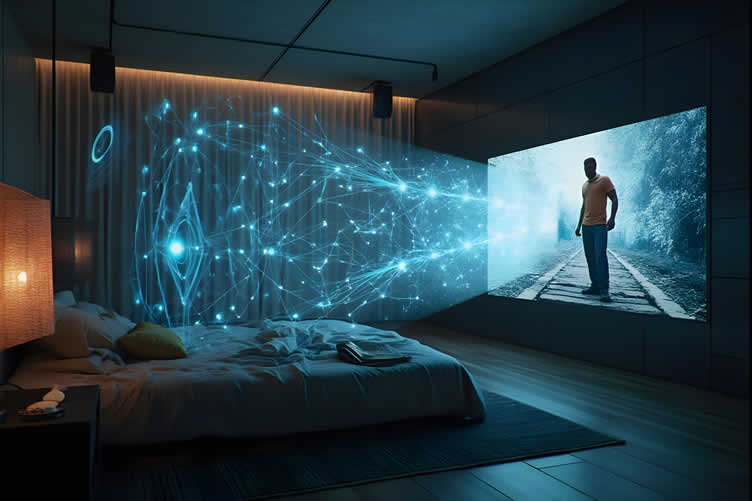
AI generated image by 123rf.com
[ youtube: Future Of TVs On Display ]
[ youtube: billion dollar race for the perfect display ]
-
-
3rd: Stylish Designs and Smarter Connectivity
As technological advancements continue to shape our daily lives, modern monitors are no longer mere tools for work or entertainment; they are integral to both the aesthetics and functionality of contemporary living.
Stylish designs and smarter connectivity are transforming these devices, catering to both visual appeal and user demands for convenience.
This evolution addresses consumers’ growing desire for technology that seamlessly integrates into their homes while providing an enhanced, clutter-free experience.
-
Enhancing Home Décor with Modern Styles
Monitors have transcended the boundaries of simple, utilitarian designs. Today, they are crafted to blend into home environments, doubling as elegant pieces of décor. Ultra-slim profiles, minimal bezels, and premium materials, such as brushed aluminum, are increasingly part of monitor designs.
Additionally, modern monitors often feature warm, neutral color palettes to complement interiors, making them suitable for a variety of settings—from dedicated home offices to living rooms.
Curved screens and aesthetically pleasing stands further contribute to their allure, aligning with the shift toward more thoughtful and cohesive home design.
These stylistic evolutions aren’t just about appearance. A well-designed monitor harmonizes with the space around it, improving the user’s experience by creating a visually pleasing and immersive environment.
By replacing clunky and uninspiring builds with striking designs, manufacturers have tapped into a significant consumer demand for products that are functional yet elegant.
A beautifully designed monitor can inspire productivity, enhance relaxation, or serve as a subtle statement piece in any room.
-
Eliminating Cable Clutter with Wireless Connectivity
Beyond the aesthetic appeal, smarter connectivity features are setting modern monitors apart in meaningful ways. Traditional monitors often relied on an array of cumbersome cables, which not only created a mess but also restricted device placement.
Smarter connectivity options, including wireless integration, are now solving this long-standing issue. Many newer models offer seamless wireless screen-sharing technologies such as Miracast, Apple AirPlay, or integrated Wi-Fi solutions that enable fast and reliable connections without a maze of cords.
These advancements make it easier than ever for users to connect their devices, saving time and reducing frustration. Monitors with USB-C and Thunderbolt ports also allow for single-cable setups, handling video input and power delivery simultaneously, simplifying desk configurations.
Furthermore, manufacturers are catering to the need for multi-device compatibility by incorporating features such as Bluetooth and app-based controls, making it effortless to connect and switch between laptops, phones, and other peripherals.
The elimination of cable clutter not only streamlines workspaces but also addresses practicality and sustainability. With fewer materials required for connectivity, wireless technology aligns with the increasing consumer focus on environmentally friendly and efficient solutions.
-
Meeting Consumer Demands for Modern Living
The growing emphasis on stylish designs and smarter connectivity reflects a broader shift in consumer preferences. With remote work becoming a long-term reality and entertainment increasingly centered around digital media, users demand technology that facilitates their dynamic lifestyles.
A sleek, efficient monitor that removes barriers to productivity while enhancing the home environment is no longer a luxury—it is an expectation.
Leading brands are responding by integrating these user-centric features into their product lines, offering devices that are as intuitive as they are visually appealing.
By designing monitors that cater to users’ practical needs—whether for ease of connection, enhanced functionality, or compatibility with existing technology—companies are setting new standards for modern displays.
The transformation of monitors into both style statements and connectivity hubs ensures that they remain relevant in an era where technology is deeply embedded into our daily routines.
Stylish designs and wireless connectivity features go beyond innovations; they are solutions created to meet the modern consumer’s need for seamless, integrated, and aesthetically pleasing technology.
Aspect Key Features Consumer Benefits Stylish Designs Ultra-slim profiles, minimal bezels, premium materials Enhances home décor, complements interiors Wireless Connectivity Miracast, AirPlay, Wi-Fi integration, USB-C Eliminates cable clutter, simplifies device setups Consumer-Centric Focus User-friendly designs, multi-device compatibility Seamless use, increased convenience 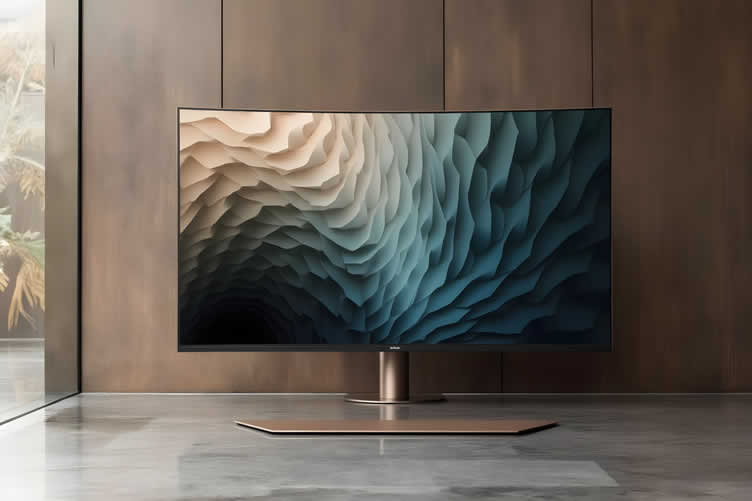
AI generated image by 123rf.com
-
-
-
ideas to view and compare from the information discussed above
Scroll up to directory … or scroll to next section about the new age of TVs …
below for …
home network and smart TV setup




get the size dimensions for any home remodeling project …
… for functionality, aesthetics, and adhering to building codes
Find Home Network Services Networks/Phone Computers/ Media Home Automation Electrical Wiring Interior Designers Furniture top-rated, pre-screened local contractors FREE: download contractor selection enter zip code – powered by HomeAdvisor ™
Quick Contractor Guides selecting negotiating working with inspecting

sixth and last “photo remodeling” idea
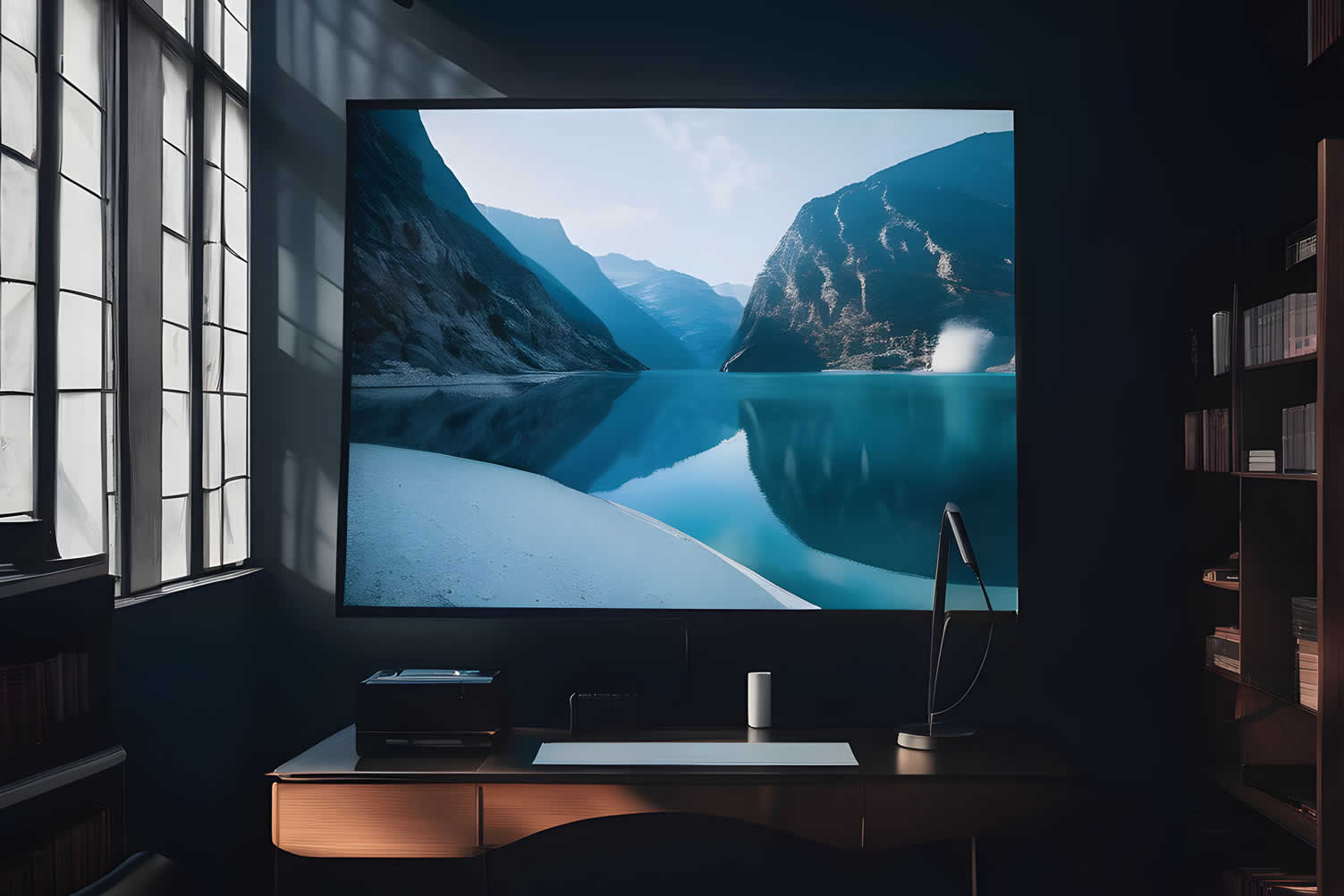

AI generated image by 123rf.com
TV Tech Tip 6: Selecting and Setting Up a New TV
Notes:
-
Choosing the perfect TV to fit your needs and space can be a daunting task with the wide variety of options available today. From identifying the right screen size to ensuring compatibility with your devices, there are numerous factors to consider.
Once you’ve made your selection, proper setup is essential to optimize your viewing experience and make the most of your new investment.
Below, we’ve outlined key shopping tips and setup advice to help guide you through the process with ease and confidence.
-
Quirk scroll to topic "shopping tips" side notes …
-
-
1st: Shopping for Your Next TV
Buying a new TV can feel like navigating a labyrinth of technical jargon, symbols, and confusing specs. With advancements in television technology accelerating every year, features like HDR, OLED, QLED, and refresh rates can leave even the savviest shopper scratching their head.
This guide simplifies the process by breaking down essential factors you need to consider when searching for your next TV. From understanding screen types to determining the right size for your space, these expert insights will help you make an informed decision tailored to your needs.
-
Screen Size and Viewing Distance
Choosing the correct screen size is one of the most important decisions when shopping for a TV. Bigger screens are popular, but the right size depends on the distance between your seating area and the TV.
Experts recommend a viewing distance of approximately 1.5 to 2.5 times the diagonal screen size of your TV. For example, if you’re sitting 8 feet away, a TV between 55 and 65 inches would be ideal. Ensure that the TV fits both your space and your aesthetic preferences without overwhelming the room.
-
4K, 8K, or Full HD Resolution?
TV resolution refers to the number of pixels that create the image on the screen. Full HD (1080p) was the industry standard for years but has largely been surpassed by 4K Ultra HD, which delivers four times the detail and clarity.
For most users, 4K is the best option due to its wide availability and compatibility with streaming platforms. 8K TVs are emerging as the next frontier, but their benefits are negligible without 8K content, which is still scarce. Unless you are future-proofing or require the highest-end tech, 4K remains the most practical choice.
-
Panel Types: OLED, QLED, LCD
Understanding panel types is crucial because they affect picture quality, color accuracy, and brightness. OLED (Organic Light-Emitting Diode) panels offer superior contrast with perfect blacks and vivid colors, making them ideal for movie lovers or those who watch a lot of dark scenes.
QLED (Quantum Dot Light-Emitting Diode), found in many Samsung models, provides excellent brightness and a wider color gamut, which is better suited for well-lit rooms.
LCD panels are generally more affordable but lack the contrast and color depth of OLED and QLED options. Your choice should depend on your budget and room lighting.
-
HDR and Brightness
High Dynamic Range (HDR) is a feature that vastly improves the contrast and color range of images. TVs supporting HDR can display bright highlights alongside deep blacks, offering a more realistic and vibrant picture.
There are HDR formats like HDR10, HDR10+, Dolby Vision, and HLG, with Dolby Vision providing the most dynamic color depth. However, the full potential of HDR is achieved only when paired with a bright TV that can handle high peak luminance effectively.
If you prioritize picture quality and access HDR-compatible content, consider TVs with strong HDR support.
-
Refresh Rate and Motion Clarity
Refresh rate is measured in hertz (Hz) and indicates how many times the TV updates the image per second. A 60Hz refresh rate is the standard, but 120Hz or higher is preferred, especially for gaming or sports viewing, as it minimizes motion blur.
Some TVs come with motion smoothing settings, which can make fast action scenes look clearer, but this feature is a matter of personal preference. Gamers, in particular, may also want to verify the variable refresh rate (VRR) support for a smoother, tear-free gaming experience.
-
Smart TV Features and Compatibility
Today’s televisions often come loaded with smart features, but not all ecosystems are created equal. The operating system (OS) determines how user-friendly your TV experience will be.
For example, Roku TV and Google TV are widely praised for their simplicity and app availability, while proprietary systems like LG’s webOS and Samsung’s Tizen are also highly functional.
Ensure your TV integrates smoothly with any smart home devices or systems you already own, such as Google Assistant or Amazon Alexa.
-
Sound Quality and Audio Enhancements
While picture quality often grabs the spotlight, sound quality is just as important. Modern TVs are slimmer, leaving less room for built-in speakers, which can result in poor audio performance.
Look for TVs that support Dolby Atmos or DTS:X for immersive sound, or consider investing in a soundbar for an enhanced audio experience. Some premium TVs also incorporate advanced acoustic technologies to offer better sound without external equipment.
-
Inputs and Connectivity
A good TV should come equipped with enough HDMI ports to connect your peripherals, such as streaming devices, gaming consoles, or Blu-ray players. HDMI 2.1 is the latest standard and offers better performance for 4K resolution at higher refresh rates, ideal for gamers or tech enthusiasts.
Additionally, ensure the TV supports Wi-Fi and Bluetooth connectivity for a seamless wireless experience.
Feature Explanation Recommendation Screen Size Based on total viewing distance 5–2.5 times the TV’s diagonal screen size Resolution 1080p (Full HD), 4K Ultra HD, 8K Ultra HD 4K for most users; 8K for future-proofing Panel Type OLED, QLED, LCD OLED for home theaters, QLED for bright rooms, LCD for budget-friendly options HDR Support HDR10, HDR10+, Dolby Vision Dolby Vision is the gold standard Refresh Rate 60Hz, 120Hz, or higher 120Hz+ for gamers and sports enthusiasts Smart TV OS Roku, Google TV, webOS, Tizen Choose based on ecosystem compatibility and ease of use Sound Quality Built-in speakers, Dolby Atmos, DTS:X Consider a soundbar for enhanced audio Connectivity HDMI 2.1, Wi-Fi, Bluetooth Ensure enough ports and support for peripherals 
AI generated image by 123rf.com
[ pinterest: buying a tv ]
[ youtube search: buy a tv ]
-
-
2nd: Setting Up Your Newly Purchased TV
Setting up your newly purchased TV is a critical step to ensure you get the best performance and enjoy a superior viewing experience. From unboxing to fine-tuning settings, this guide will help you make the most of your new television.
Proper setup not only optimizes picture and sound quality but also ensures safety and compatibility with other devices. Follow these steps carefully to start enjoying your TV seamlessly.
-
Unboxing and Inspecting Your TV
Begin by unboxing your TV in a clean, flat, and stable area. Take care not to damage the screen or other components during the process. Inspect the contents of the package to ensure all items, including the remote control, power cable, and any included setup guides, are intact.
Check the TV screen and frame for any potential shipping damage before proceeding with the setup. It’s recommended to retain the packaging and materials temporarily, in case returns or exchanges are necessary.
-
Placement and Mounting
Decide whether to place your TV on a stand or mount it on a wall. For stand setup, ensure the surface is stable and rated to support the weight of the TV.
Follow the manufacturer’s instructions to securely attach the included stand. If wall mounting, check that the wall is strong enough to handle the TV size and weight.
Use a compatible VESA mount bracket, and carefully measure to install the TV at eye level for comfortable viewing. Proper ventilation around the TV is crucial to prevent overheating.
-
Connecting Your Power and External Devices
Locate the power outlet closest to your TV and connect the power cable securely. Avoid using overextended power strips, and if possible, connect to a surge protector to prevent damage from electrical surges.
Next, connect external devices like streaming boxes, gaming consoles, and Blu-ray players using HDMI ports. For sound systems or soundbars, use either HDMI ARC/eARC or optical audio cables. Ensure all cables are firmly plugged in to avoid connection issues.
-
Internet and Software Setup
To unlock your TV’s smart features, connect it to your home Wi-Fi network or via an Ethernet cable for a more stable connection. Follow the on-screen instructions to join your network, entering the necessary credentials.
Once the TV is connected, check for software updates in the settings menu. Keeping your TV updated ensures you have the latest features, bug fixes, and security enhancements.
-
Picture and Sound Calibration
Achieving proper picture and sound settings is essential for an optimized viewing experience. Start by choosing the appropriate picture mode, such as Standard, Cinema, or Game Mode, depending on your use.
Fine-tune settings like brightness, contrast, and color balance based on your room’s lighting conditions. Calibrating your sound is equally important—adjust the balance, equalizer, and other sound features. If you’ve added a soundbar or surround sound system, ensure proper synchronization with your TV.
-
Finalizing and Testing
Before completing your setup, test all major features of your TV. Switch between different inputs and confirm external devices are recognized. Use streaming apps to verify the internet connection and playback quality.
If you’re using advanced functions, such as voice commands or a smart assistant, ensure these are properly integrated. Taking the time to go through these steps provides peace of mind that your TV is performing as expected.
-
Setting Up Streaming and Other Entertainment Services
To maximize your TV’s capabilities, setting up streaming and other entertainment services is essential. Start by connecting your TV to the internet if you haven’t already done so.
Navigate to the app store on your TV and download popular streaming apps, such as Netflix, Hulu, Disney+, or any other services you subscribe to. Once installed, log in with your account credentials to activate the apps.
For music or gaming, consider downloading apps like Spotify or exploring built-in gaming features if available. Ensure that your subscriptions are up to date and compatible with your TV model.
Lastly, customize your app layout on the home screen for quicker access to your favorite services. This step ensures a seamless and personalized entertainment experience.
Step Key Considerations Unboxing Inspect the contents for damages and completeness. Placement/Mounting Use a stable stand or compatible VESA wall mount. Power/Connections Use surge protectors and securely connect devices. Internet Setup Connect via Wi-Fi or Ethernet and update software. Calibration Adjust picture and sound settings for optimal quality. Testing Verify inputs, network connectivity, and functionality. Entertainment Services Services Steps to Access Streaming Setup Log into streaming service accounts like Netflix, Hulu, or Prime Video. Ensure apps are installed and updated. Account Synchronization Link accounts to the device for seamless access. Audio Integration Connect external sound systems or enable TV speakers for a superior audio experience. Parental Controls Configure restrictions as needed for age-appropriate content. Content Preferences Customize streaming settings to match viewing habits. 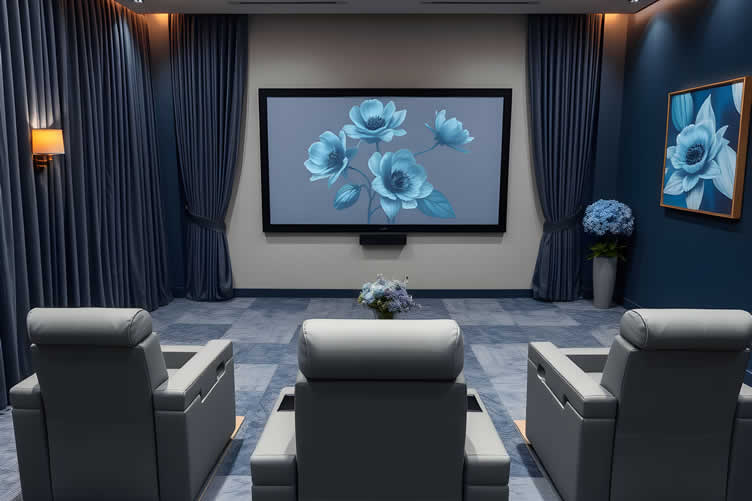
AI generated image by 123rf.com
[ view diagram: TV setup diagram ]
[ youtube search: TV setup ]
-
-
3rd: Getting Professional Help
To get the most out of your TV and entertainment system, a robust internet connection and seamless setup are essential. This is where a skilled network contractor comes in.
Hiring a professional ensures that your home is equipped with high-quality networking infrastructure to handle even the most demanding streaming and connectivity needs. Look for contractors experienced in installing high-speed internet solutions, optimizing Wi-Fi connectivity, and integrating smart home devices with your TV system.
A good network contractor can also future-proof your home network, preparing it for bandwidth-heavy activities like 4K or 8K streaming, gaming, and remote work. Beyond setup, they can provide troubleshooting support and ongoing maintenance, so your system stays reliable.
When selecting a contractor, check for relevant certifications, customer reviews, and expertise in working with the latest technologies. With the right professional assistance, you’ll enjoy uninterrupted entertainment and a connected experience that’s a cut above the rest.
LetsRenovate has partnered with HomeAdvisor™, a renowned provider of highly-rated, carefully-vetted local media setup services. Start your search here by entering your zip code to find local professionals.
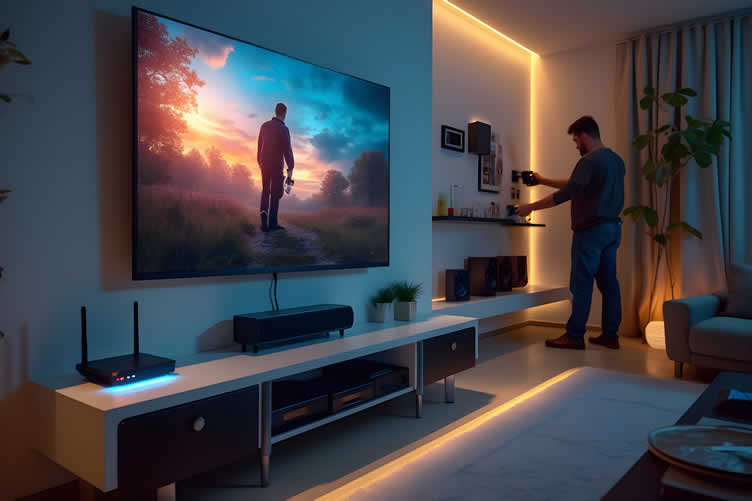
AI generated image by 123rf.com
But Wait!
Before you begin searching for media setup contractors, be sure to download and use this comprehensive evaluation worksheet.
This valuable tool will help you objectively compare and rank potential contractors by focusing on key factors like pricing, licensing, and referrals.

Evaluation Sheet
File Type:
-
-
FINAL REMARKS
Keeping up with TV and monitor advancements pays off, whether you want the ultimate home theater, a next-level workstation, or a competitive gaming setup.
The movement towards large-screen AI TV, lifelike visuals powered by HDR and Mini LED, and elegant, wireless lifestyle TVs is driving a revolution in how we experience entertainment and productivity at home.
Understanding these developments allows you to make confident, informed choices that match your needs and unlock new possibilities every day.
-
ideas to view and compare from the information discussed above
tv universal remote controltv viewing chairstv viewing trays
- What comments can you share about
the new age of TVs?
Scroll up to directory … or scroll to more home recreation-related topics …
view illustration “becoming a bank”



Calendar For:
Home Maintenance
File Type:


… view our sharing links below for a quick "share the knowledge"
AI generated image credit: the new age of TVs by 123rf.com
end of post … please share it!
 |
did you find the new age of TVs analysis helpful? If so, please share the article with your friends and family! |
Nice pic idea? Leave us a quick comment below.
And please share this pic idea within your social networks.