Summary Outline –
In an era where streaming services have revolutionized how we consume media, the concept of a home theater has evolved into something more accessible and practical.
Whether you’re a tech enthusiast, a home entertainment lover, or a streaming fanatic, creating the ultimate streaming experience at home is within your reach.
Let’s explore how you can transform your living space into a high-performance entertainment hub.

-
Quick scroll to first topic about set up your home for the ultimate streaming experience …

first “set up your home for the ultimate streaming experience” idea

copyright image by 123rf.com
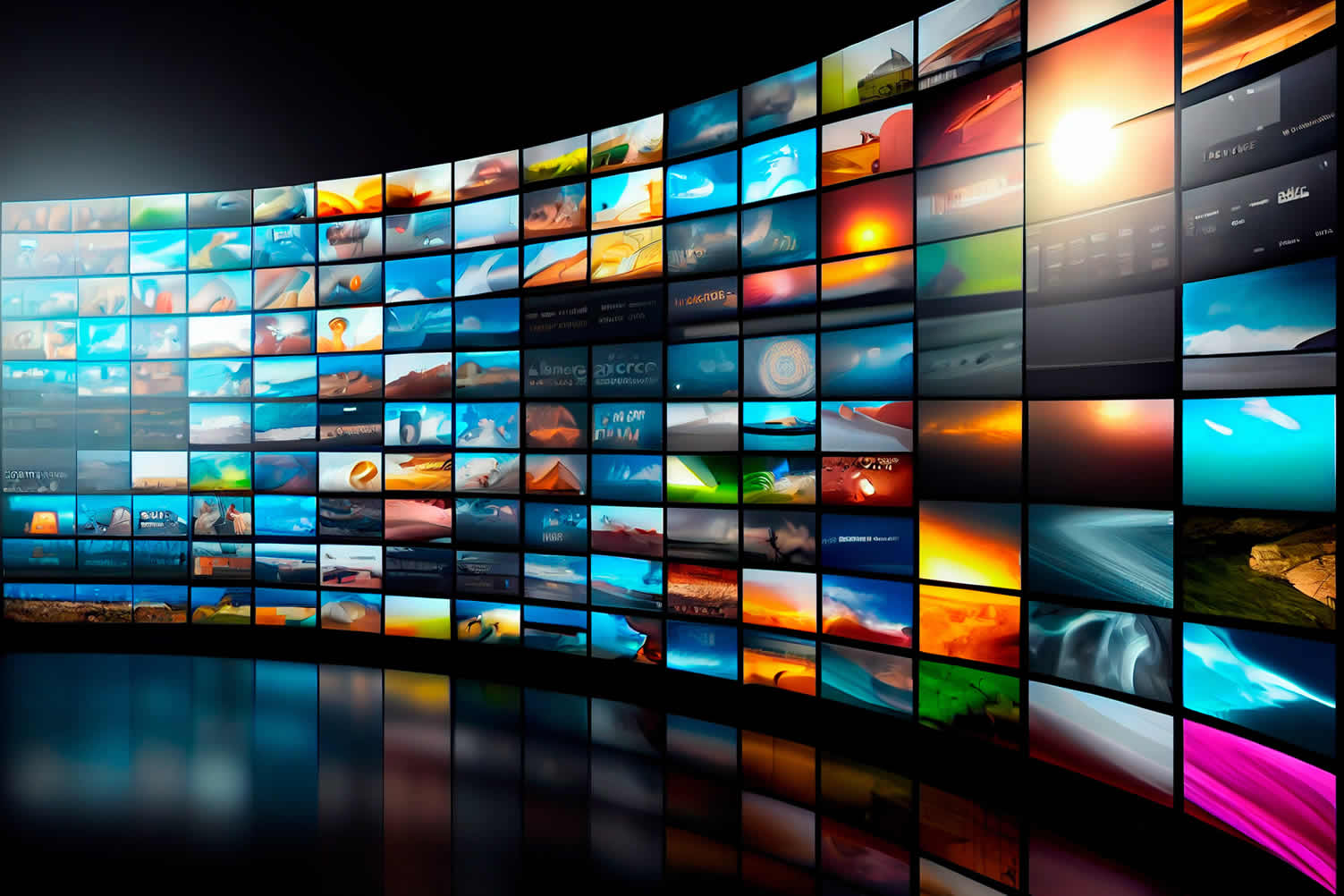
Streaming Tip 1: Home Streaming Services and Why
Notes:
-
Home streaming services have fundamentally changed the landscape of home entertainment. These services, provided by companies such as Netflix, Amazon Prime Video, Hulu, Disney+, and many others, offer a vast library of movies, TV shows, documentaries, and even live sports that can be accessed directly from your smart TV, computer, or mobile device.
With the convenience of on-demand content, viewers are no longer bound by the schedules of traditional broadcasting.
-
Why Make the Investment
Investing in home streaming services can significantly enhance your entertainment experience for several reasons.
-
Firstly, the extensive variety of content allows you to tailor your viewing habits to your personal preferences, whether you enjoy binge-watching series, catching the latest blockbuster, or exploring niche genres.
-
Secondly, streaming services often provide high-definition, and sometimes Ultra HD and 4K content, ensuring that you enjoy the highest quality visuals and sound from the comfort of your home.
-
Lastly, many streaming platforms offer multi-device support, meaning you can start watching on your TV, and seamlessly switch to your tablet or smartphone without missing a beat.
With features like personalized recommendations, parental controls, and offline viewing options, home streaming services cater to the diverse needs of every member of the household, making them a worthwhile investment for ultimate home entertainment.
-
-
-
Quick scroll to “home media” side notes …
-
-
1st: The Evolution of Media Entertainment
The realm of media entertainment has undergone a dynamic transformation over the decades. From the early days of radio broadcasts and silent films to the dawn of television and the cinematic masterpieces of Hollywood’s Golden Age, each era has brought about its own revolutionary advancements.
-
Stage Productions
The history of media entertainment can be traced back to the era of stage productions, which served as the primary form of public amusement and artistic expression.
Ancient Greek and Roman theaters showcased dramatic and comedic performances, laying the groundwork for modern theatre. Over centuries, stage productions evolved, with the Renaissance period bringing forth illustrious playwrights like William Shakespeare.
These live performances captivated audiences with their storytelling, elaborate costumes, and skilled acting.
-
Radio Productions
The advent of radio brought a new dimension to media entertainment, making it more accessible to the masses. In the early 20th century, radio became a staple in households, offering a variety of programming, from news broadcasts and serial dramas to music and comedy shows. Iconic programs such as "The War of the Worlds" and "The Shadow" captured the imagination of listeners, creating a shared cultural experience.
Radio productions not only entertained but also informed the public, playing a crucial role during pivotal moments like World War II. The influence of radio paved the way for future advancements in media and remains a testament to the power of auditory storytelling.
-
Movie Theaters
The advent of the 20th century marked a significant shift with the rise of movie theaters. Silent films initially captivated audiences, but it was the introduction of sound in movies, or "talkies," in the late 1920s that revolutionized the industry.
Cinema saw rapid growth and became a dominant form of entertainment, with Hollywood leading the charge in producing lavish films and creating iconic stars. The cinematic experience, with its large screens and immersive sound, attracted millions and made movie going a popular social activity.
-
Television
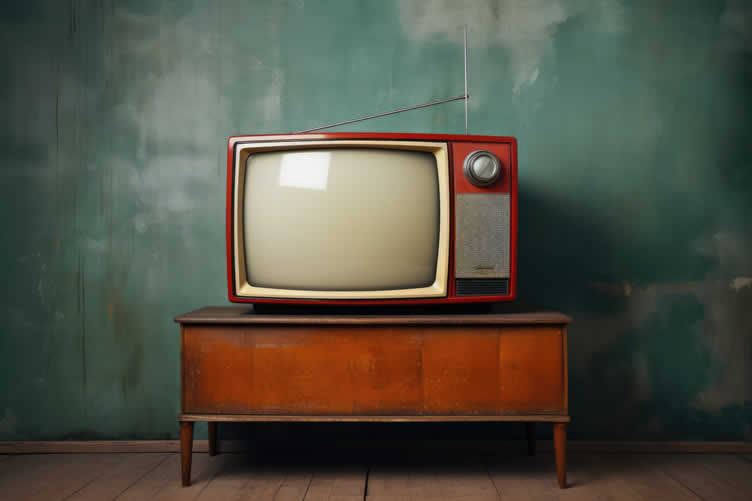
The next major leap in media entertainment came with the invention of television. Television sets became a household staple in the mid-20th century, bringing visual and audio entertainment directly into homes.
Families gathered around their TV sets to watch a variety of programming, including news, sitcoms, dramas, and live events. This new medium not only expanded the reach of entertainment but also introduced episodic content, allowing viewers to follow characters and stories over extended periods.
-
Cable Entertainment
The proliferation of cable television in the latter half of the 20th century introduced a new dimension to the entertainment landscape. Unlike traditional broadcast television, cable TV offered a vast array of channels that catered to niche interests and diverse audiences.
Premium channels, such as HBO and Showtime, provided high-quality, original programming and exclusive content that wasn’t available on standard networks. The advent of cable also saw the rise of dedicated news, sports, and music channels, revolutionizing how people consumed information and entertainment.
This expansion significantly broadened viewing options, leading to the development of specialized genres and fostering a more personalized television experience for viewers.
-
DVD Rentals
The late 20th century ushered in the era of DVD rentals, offering viewers more control over their movie-watching experience. Companies like Blockbuster allowed consumers to rent DVDs, enabling them to watch films at their convenience without the limitations of broadcast schedules.
DVDs provided improved video and sound quality compared to previous formats like VHS, and their portability allowed for a personalized viewing experience.
-
Streaming Services
Today, streaming services have revolutionized the landscape of media entertainment once again. Unlike earlier forms of media, streaming allows for instantaneous access to a vast library of content, from classic films and TV shows to exclusive new releases.
The convenience of on-demand viewing, combined with high-definition quality and the ability to access content on multiple devices, has made streaming services the preferred method of entertainment consumption for millions around the world.
As technology continues to evolve, streaming platforms keep expanding their offerings, shaping the future of how we engage with media.
copyright image by 123rf.com
[ youtube: the evolution Of cinema ]
[ youtube: history of streaming services ]

-
-
2nd: The Future of Media Entertainment
As we look ahead, the future of media entertainment promises to be even more transformative, driven largely by advancements in technology and changing consumer preferences. Innovations such as artificial intelligence (AI) and virtual reality (VR) are set to redefine the media landscape.
AI can curate personalized content recommendations more effectively than ever before, enhancing user experience and engagement. Meanwhile, VR offers immersive entertainment experiences, allowing viewers to feel as though they are part of the action.
Additionally, the advent of 5G technology will further revolutionize media consumption by enabling faster download speeds and more reliable streaming, even in remote areas.
This will likely lead to an increase in live-streaming events and more interactive content, bridging the gap between creators and their audiences.
Moreover, blockchain technology presents opportunities for new forms of content monetization and distribution, providing a transparent and secure way for creators to manage and profit from their work.
-
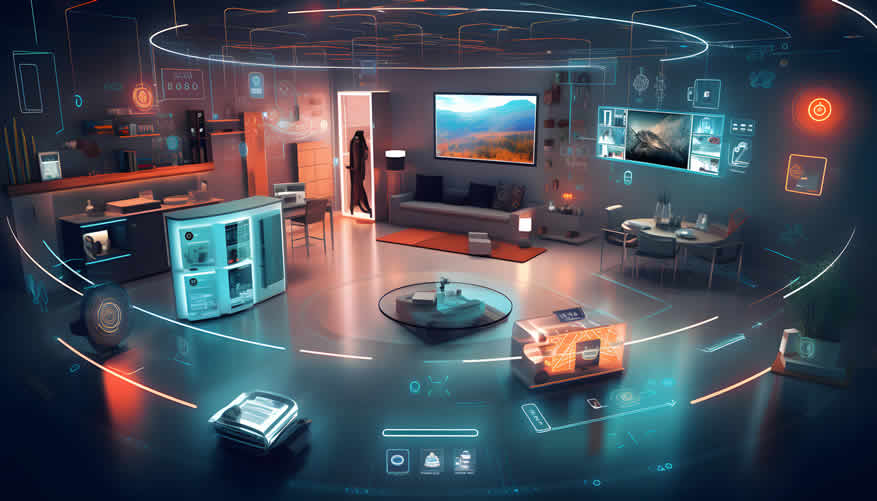
The Future of Home Streaming Services
Home streaming services are poised to become an even more integral part of how we consume entertainment.
Emerging trends such as virtual reality (VR), augmented reality (AR), and enhanced interactive features promise to elevate the home viewing experience to unprecedented levels.
These innovations could allow viewers to immerse themselves in a movie or show in ways that were previously unimaginable, further closing the gap between home entertainment and the traditional movie theater experience.
Additionally, the ongoing investment by streaming platforms in original content means that viewers can access exclusive movies and TV series that are not available elsewhere.
copyright image by 123rf.com
[ view diagram: streaming future]
[ youtube: future of streaming]
-
-
-
ideas to view and compare from the information discussed above
Scroll up to directory … or scroll to next section about set up your home for the ultimate streaming experience …

second “photo remodeling” idea
copyright image by 123rf.com
Streaming Tip 2: The Essential Hardware
Notes:
-
When setting up your home for premium streaming services, starting with essential hardware is the first critical step. Ensuring that you have the right equipment will significantly enhance your viewing experiences, providing you with clear, crisp image quality and impeccable sound.
The cornerstone of a great home streaming setup includes a high-resolution smart TV or a dedicated streaming device if your television isn’t inherently equipped with streaming capabilities.
Next, a reliable and fast internet connection is paramount, as buffering can severely disrupt the immersive experience.
Complementing your visual display, investing in a good sound system, like a soundbar or a home theatre setup, can make a world of difference in audio quality.
Finally, easy-to-use universal remotes and ergonomic furniture contribute to a comfortable and efficient streaming environment. Thus, laying a solid foundation with these essential pieces of hardware will set the stage for unparalleled home entertainment.
-
Quick scroll to “streaming hardware” side notes …
-
-
1st: Selecting the Ideal Streaming Device
Choosing the perfect streaming device for your home entertainment setup is crucial for an immersive and seamless experience. With numerous options available, it’s essential to understand the specifics of each device to match your viewing habits and preferences.
Below, we delve into various streaming options, including smart TVs, streaming sticks, game consoles, and more, helping you make an informed decision.
-
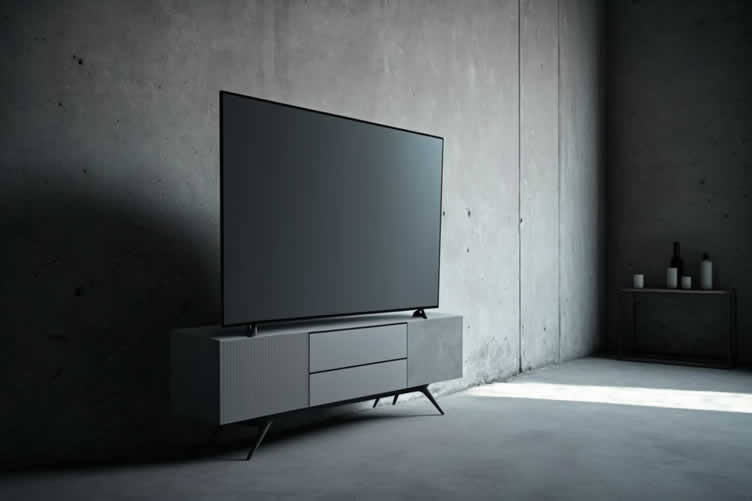
Best TV: Resolution and HDR Support
A high-resolution TV with HDR (High Dynamic Range) support is pivotal for maximizing picture quality. Look for 4K resolution as a baseline, which offers four times more pixels than Full HD, resulting in sharper and more detailed images.
HDR enhances the brightness, contrast, and color accuracy of the image, providing a more realistic viewing experience. Brands such as LG, Samsung, and Sony offer some of the best 4K HDR TVs that cater to a wide range of budgets and preferences.
-
Smart TV
Smart TVs are an excellent all-in-one solution for streaming enthusiasts. They come with built-in apps and connectivity options, eliminating the need for additional devices. Equipped with user-friendly interfaces, they support a plethora of streaming services like Netflix, Disney+, and Amazon Prime Video. When selecting a smart TV, consider its operating system (such as Roku, Android TV, or Tizen), app availability, and ease of navigation.
-
Streaming Sticks
For those who have older TVs or prefer a more portable option, streaming sticks are a viable alternative. Devices like the Amazon Fire Stick, Google Chromecast, and Roku Streaming Stick plug directly into the TV’s HDMI port, providing an instant gateway to streaming services. They are generally more affordable and can turn any TV into a smart TV while offering robust performance and 4K streaming capabilities.
-
Game Consoles
Modern game consoles, like the PlayStation 5 and Xbox Series X, double as potent streaming devices. In addition to their gaming prowess, these consoles offer access to a wide array of streaming apps. They support high-resolution streaming and excellent audio quality, making them a versatile choice for both gaming and entertainment needs. If you are a gamer, utilizing your console as a streaming device can save space and enhance convenience.
-
Other Devices
Beyond the major contenders, there are other niche devices you might consider. For instance, Apple TV provides a seamless integration with other Apple products, offering 4K HDR streaming and a vast library of apps.
Similarly, NVIDIA Shield TV is a popular choice for those who look for a powerful streaming device with advanced features like AI upscaling and Google Assistant integration.
copyright image by 123rf.com
[ youtube: use a smart TV vs streaming device ]
[ youtube: every TV type explained ]
-
-
2nd: Upgrading Your Internet Connection
Upgrading your internet experience is pivotal for enjoying seamless streaming, gaming, and everyday online activities. With advancements in technology, our demands for faster, more reliable internet connections have grown. Below, we explore essential components and steps to enhance your internet setup, ensuring you stay ahead of the curve and enjoy uninterrupted connectivity.
-
Internet Speed Requirement
A crucial element of an upgraded internet experience is speed. Depending on your household’s usage, you may need varying levels of internet speed. For basic browsing and occasional streaming, speeds of 25 Mbps may suffice.
However, for high-definition streaming, online gaming, and multiple users, consider speeds of at least 100 Mbps.
For optimal performance, especially in households with numerous smart devices, a gigabit connection (1,000 Mbps) might be beneficial.
-
Robust Router Setup
A powerful router forms the backbone of your home network. When upgrading, opt for a router that supports the latest Wi-Fi 6 standard. Wi-Fi 6 offers faster speeds, increased efficiency, and better performance in congested areas.
Features to look for include multiple antennas for better signal distribution, dual or tri-band capabilities, and advanced security protocols like WPA3.
-
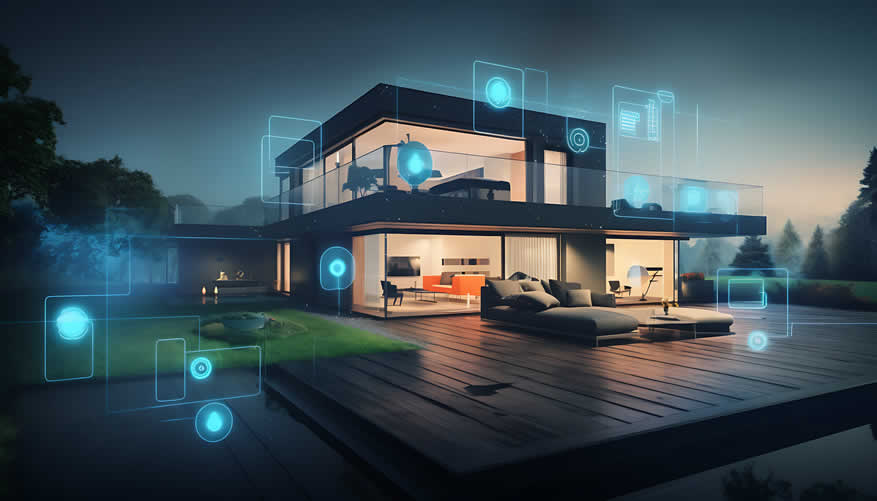
Mesh Network for Entire Home
For larger homes or areas with multiple floors, traditional routers might not provide comprehensive coverage. A mesh network system can solve this problem.
Mesh networks consist of a main router connected to the modem and several satellite nodes spread throughout the home.
This system ensures a consistent, strong signal in every room, eliminating dead zones and providing a seamless internet experience as you move around the house.
-
Ethernet vs. Wi-Fi Connection
While Wi-Fi offers convenience, Ethernet connections still reign supreme in terms of reliability and speed. An Ethernet connection is ideal for devices requiring high bandwidth, such as gaming consoles or desktop computers.
If running cables is impractical, consider using powerline adapters to extend your wired network through your home’s electrical wiring. Balancing Ethernet and Wi-Fi can significantly enhance your network performance.
-
Other Considerations
Several additional considerations can further elevate your internet experience. Regularly updating firmware ensures your devices operate with the latest security patches and performance improvements.
Investing in a network switch can expand your wired connections without overloading your router. Moreover, implementing Quality of Service (QoS) settings can prioritize critical applications like video calls or gaming, ensuring they receive the necessary bandwidth for smooth operation.
copyright image by 123rf.com
[ youtube: what is mesh Wifi ]
[ amazon: mesh network ]
-
-
3rd: Setting Up a Sound System to Imitate Movie Theater
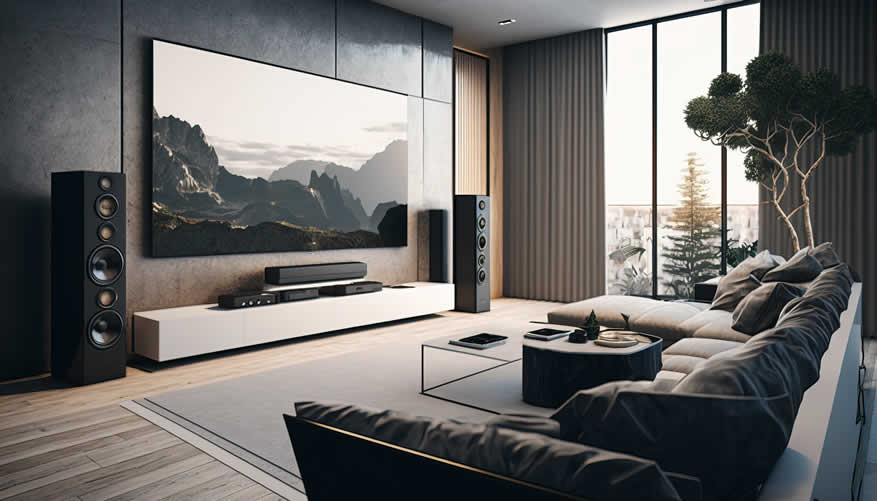
Creating a movie theater experience in your home requires thoughtful planning and the right equipment to replicate the immersive audio quality found in cinemas. By setting up a sound system tailored to your space, you can enjoy the full depth and richness of cinematic sound.
-
Receiver
The receiver acts as the heart of your home theater sound system, distributing audio signals to your speakers. Choose a high-quality receiver that supports the latest audio formats like Dolby Atmos and DTS:X, as these formats offer the most immersive sound experiences.
Make sure the receiver has enough channels to support all your speakers and accommodates future upgrades.
-
About Wireless Options
Wireless technology has transformed home audio setups, providing flexibility and eliminating the clutter of cables. Most modern receivers support wireless connections, allowing you to stream audio from your devices effortlessly.
Wireless surround speakers and subwoofers can be integrated into your home theater system, giving you the freedom to place them anywhere without worrying about running wires across the room.
Advanced wireless protocols like WiSA (Wireless Speaker & Audio) ensure high-quality, low-latency sound transmission, making it easier than ever to achieve a seamless and immersive audio experience. For those who want a clean, sleek setup with minimal cabling, wireless audio components present a highly attractive option.
-
-
Soundbars
Soundbars provide a convenient and space-saving solution for enhancing your home theater audio experience. These slim speaker systems can deliver high-quality sound with minimal setup compared to traditional multi-speaker configurations.
When choosing a soundbar, look for models that support the latest audio technologies, such as Dolby Atmos, for a more immersive soundstage.
Many soundbars also feature subwoofers, either built-in or wireless, to add rich bass tones that fill the room. Additionally, some soundbars come with Bluetooth or Wi-Fi capabilities, allowing you to stream audio directly from your smartphone or other devices, adding to their versatility and ease of use.
-
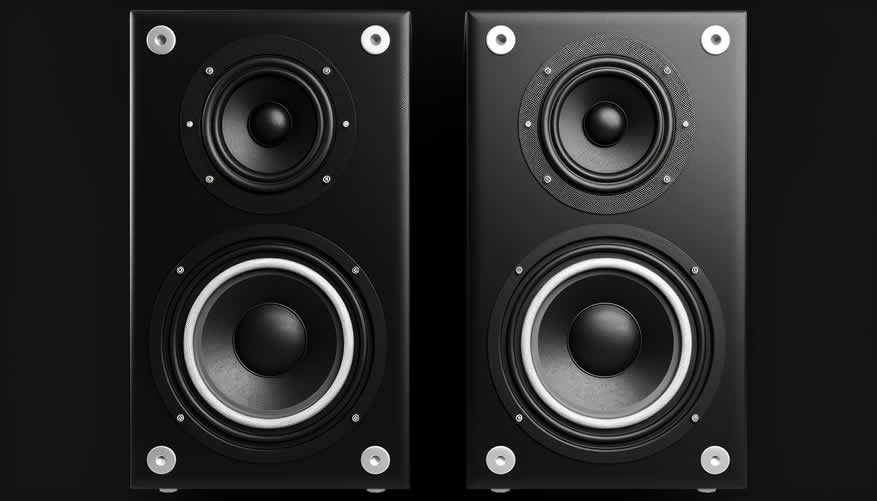
Subwoofer
A subwoofer adds depth to your audio by handling low-frequency sounds, such as explosions and bass notes. Position the subwoofer near your primary seating area, but not too close to walls or corners, as this can cause unwanted resonance.
A well-placed subwoofer enhances the overall impact and richness of your movie-watching experience.
-
Front Speakers
The front speakers, including the left, right, and center channels, are critical for delivering clear and dynamic sound. The left and right speakers handle the majority of the audio, including music and sound effects, while the center speaker is essential for dialogue clarity.
Place these speakers at ear level and position them to create a balanced soundstage.
-
Surround Speakers
Surround speakers are key to creating an enveloping sound environment. These speakers should be placed to the sides or behind your seating area to deliver ambient and directional sounds that make you feel like you are in the middle of the action.
Ensure they are elevated to ear level and angled towards the listeners for optimal sound dispersion.
-
Overhead Speakers
For the ultimate in immersive sound, consider adding overhead speakers or installing upward-firing speakers that bounce sound off the ceiling.
These speakers are essential for experiencing 3D audio formats like Dolby Atmos, which places sounds in a three-dimensional space around you, making the experience more lifelike and involving.
-
Calibration
After installing your components, proper calibration is crucial to ensure the best sound quality. Many modern receivers include automatic calibration tools that use a microphone to measure sound characteristics in your room.
Follow the calibration steps to optimize speaker levels, distances, and sound modes tailored to your space.
copyright image by 123rf.com
-
-
-
ideas to view and compare from the information discussed above
Scroll up to directory … or scroll to next section about set up your home for the ultimate streaming experience …

addressing the set up your home for the ultimate streaming experience and other home improvement needs …

… grab this directory of ideas for future use



… setting up a home media sound system

May We Suggest Other Photo Remodeling Ideas About
“Outdoor Entertainment and Relaxation…” (new win)


third “photo remodeling” idea
copyright image by 123rf.com
Streaming Tip 3: Setting Up the Perfect Viewing Space
Notes:
-
Creating the ideal viewing space involves more than just selecting the right equipment; it requires careful consideration of several factors to ensure maximum comfort and an immersive experience.
By paying attention to viewing distance, seating arrangements, lighting, and other elements, you can transform any room into a personal home theater.
-
Viewing Distance
Proper viewing distance is crucial for both comfort and picture quality. The distance from your seating to the TV should be approximately 1.5 to 2.5 times the diagonal size of your screen.
For example, if you have a 55-inch TV, the optimal viewing distance would be between 6.5 and 11 feet. This helps prevent eye strain and ensures that you can fully appreciate the resolution and detail of the content you are watching.
-
Seating Arrangements
Comfortable seating is a must for extended viewing sessions. Arrange your seating so that each viewer has an unobstructed view of the screen.
Recliners and sofas with adjustable headrests provide superior comfort and allow you to find the perfect angle. Ensure that seating is positioned at the proper height so that the center of the TV is at eye level or slightly below it.
-
Lighting
Lighting plays an essential role in enhancing your viewing experience. Aim to control ambient light to reduce glare and reflections on the screen.
Use blackout curtains to block out natural light during the day, and consider installing dimmable lights or bias lighting behind the TV. Bias lighting reduces eye strain and improves perceived contrast, making for a more pleasant viewing experience in dark environments.
-
Acoustic Treatments
For exceptional audio quality, consider adding acoustic treatments to your room. Soft furnishings like rugs, curtains, and upholstered furniture can help absorb sound reflections and reduce echoes.
Wall-mounted acoustic panels or bass traps can be used to fine-tune the acoustics of your space, ensuring clear and immersive sound from your sound system.
-
Other Considerations
Don’t forget to manage cables and accessories to maintain a clean and organized space. Use cable management solutions to keep wires tidy and out of sight.
Additionally, consider incorporating smart home integrations that allow you to control your entire setup with a single remote or voice commands. This enhances convenience and allows you to focus on enjoying your entertainment.
-
-
Quick scroll to “viewing space” side notes …
-
-
1st: Finding the Perfect Seating Comfort
Creating the ultimate home streaming experience goes beyond just having the latest technology. The comfort and ergonomic design of your seating play a critical role in how much enjoyment you derive from your media sessions.
To ensure you can fully immerse yourself in your favorite shows, movies, and games, finding the perfect seating is essential.
-
Recliners
Recliners are a popular choice for home theater seating due to their customizable comfort features. With adjustable backs and footrests, recliners allow you to find the perfect position to relax and enjoy your media.
They often come equipped with additional features like built-in cup holders, storage compartments, and even massage functions to enhance your viewing experience.
-
Sofas with Adjustable Headrests
Sofas that include adjustable headrests provide a blend of comfort and style. These sofas allow for versatile seating arrangements, making them ideal for family movie nights or hosting friends.
The adjustable headrests support your neck and head at various angles, which is perfect for extended streaming sessions. Look for options with deep cushions and high-density foam for added support.
-
Sectionals
Sectional sofas offer ample seating and versatility for any room layout. Ideal for larger spaces, sectionals can be configured in various shapes such as L-shaped or U-shaped to fit your specific needs.
Many sectionals come with modular components, allowing you to rearrange them based on your preference. Some also include reclining sections and chaise lounges for the ultimate in luxury seating.
-
Bean Bags
Bean bags offer a casual and flexible seating option that can be easily moved and adapted to different seating arrangements. They are especially great for younger audiences or for creating a laid-back atmosphere.
Filled with soft, malleable material, bean bags conform to your body shape, providing unique comfort and support. They come in various sizes and colors, making them a fun and functional addition to any streaming setup.
-
Loveseats
For smaller spaces or more intimate viewing experiences, loveseats provide a compact yet comfortable seating option. These two-seater sofas are perfect for couples or solo viewers who want to maximize comfort without occupying too much space.
Many loveseats come with reclining features and padded armrests, making them a cozy option for long streaming sessions.
Choosing the right seating for your home streaming setup can significantly enhance your comfort and overall experience.
Whether you prefer the luxury of a recliner, the versatility of a sectional, or the unique comfort of a bean bag, the perfect seating can make your home theater an oasis of relaxation and entertainment.

copyright image by 123rf.com
-
-
2nd: Staging a Home Theater Room
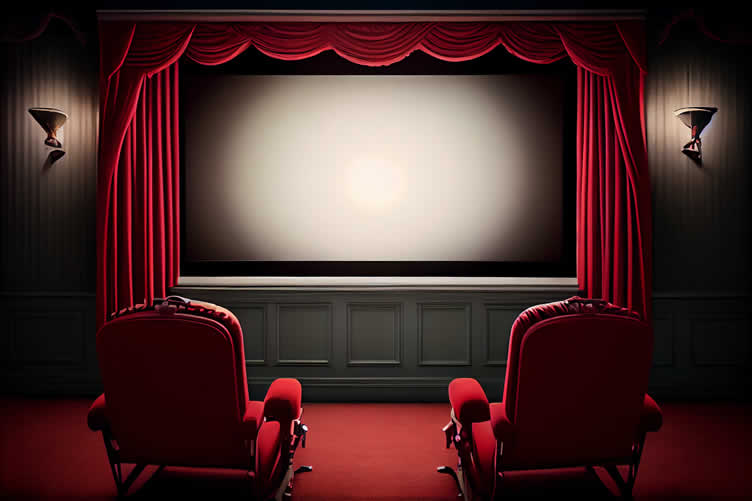
Setting up a home theater room for streaming home media can transform your viewing experience and bring the magic of the big screen to your home.
By carefully selecting the right equipment and designing a space that maximizes comfort and immersion, you’ll create an entertainment haven for yourself and your loved ones. Below, we outline the key components and considerations for setting up your perfect home theater.
-
Screen and Projector Setup
The centerpiece of any home theater is the screen. Whether you choose a large flat-screen TV or a projector and screen setup, the size and quality of the display are crucial.
A projector can provide a more authentic cinema experience with larger image sizes and higher resolutions. Ensure your screen or projector is positioned at the optimal distance from your seating area to deliver an immersive viewing experience.
-
Sound System
An effective sound system is essential for replicating the audio experience of a movie theater. Consider a surround sound system with multiple speakers strategically placed around the room to create an enveloping audio environment.
Options range from traditional 5.1 or 7.1 speaker setups to advanced Dolby Atmos systems, which add overhead sound channels for increased realism.
-
Lighting Control
Proper lighting is vital for minimizing screen glare and creating the right ambiance. Install dimmable lights and blackout curtains to control the room’s illumination. LED strip lights behind the screen or around the room’s perimeter can add a touch of style and enhance the overall atmosphere.
-
Seating Arrangements
Comfortable seating is a must for any home theater room. Choose between recliners, sectionals, bean bags, or loveseats based on the room’s size and your personal preferences.
Arrange the seating so everyone has a clear view of the screen and can fully enjoy the audio experience.
-
Acoustic Treatment
Acoustic treatments help to manage sound reflections and improve the audio quality in your home theater room.
Consider adding absorptive materials such as acoustic panels, carpets, and heavy drapes to minimize echo and reverberation. This can make dialog clearer and sound effects more impactful.
copyright image by 123rf.com
-
-
3rd: Setting up a Gaming Room for Streaming
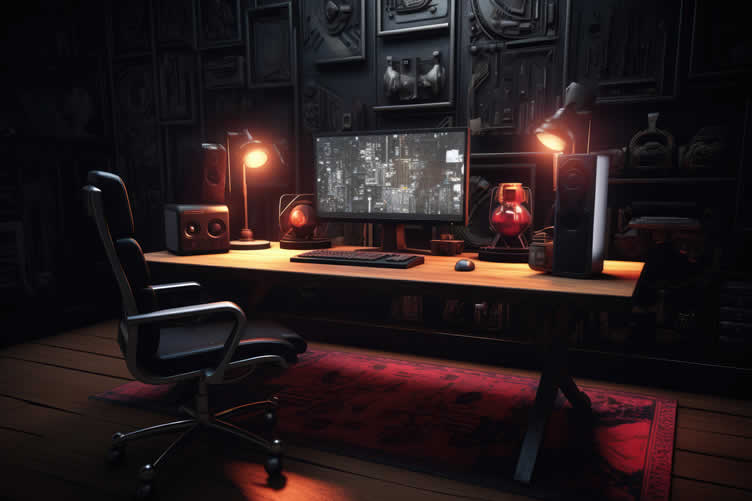
Creating the ideal gaming room for streaming involves careful planning and attention to detail. From the right hardware and software to the perfect ambiance, every element contributes to an immersive and enjoyable experience for both the gamer and the audience.
Below, we’ll explore the essential components for setting up a top-tier gaming room geared towards streaming.
-
High-Performance Gaming PC or Console
A high-performance gaming PC or console is at the heart of any gaming room. This will ensure smooth gameplay and minimize lag, which is crucial for an enjoyable gaming experience.
Invest in the latest gaming rigs with powerful GPUs, ample RAM, and fast processors. For console gamers, consider the latest models from PlayStation, Xbox, or Nintendo.
-
Reliable Internet Connection
A stable and speedy internet connection is paramount for streaming. Look for an internet plan that offers high upload speeds, as this will directly impact the quality of your live streams.
Using a wired Ethernet connection is often more stable compared to Wi-Fi, ensuring uninterrupted streaming.
-
Quality Streaming Equipment
To engage your audience, you’ll need quality streaming equipment. This includes a high-definition webcam, a professional-grade microphone, and good lighting to illuminate your face clearly.
Consider a capture card if you’re streaming from a console, as this will transmit your gameplay to your PC for streaming.
-
Comfortable and Ergonomic Furniture
Just like in a home theater, comfort is key in a gaming room. Ergonomic chairs and desks designed for long gaming sessions can prevent discomfort and injury.
Look for features like adjustable height, lumbar support, and ample desk space for your gaming accessories.
-
Dual Monitors Setup
A dual monitor setup can significantly enhance your streaming experience. Use one monitor for gameplay and the second for managing your stream, chat, and other controls.
This setup allows you to interact with your audience in real-time without disrupting your game.
-
Soundproofing and Acoustic Treatment
Soundproofing your gaming room helps to keep external noise at bay and creates a better streaming environment. Acoustic foam panels can absorb sound and reduce echo, enhancing the clarity of both your game sound and microphone audio.
This results in a more professional and pleasant auditory experience for your viewers.
-
Personalized Aesthetics
A visually appealing gaming room can make your stream stand out. Personalize your space with themed decor, LED lighting, and gaming memorabilia.
The background seen on your stream should reflect your personality and enhance the viewer’s visual experience. Consider setting up a green screen for more advanced visual effects.
By focusing on these areas, you can create a gaming room that not only meets the technical demands of streaming but also enhances the overall experience for you and your viewers.
copyright image by 123rf.com
-
-
-
ideas to view and compare from the information discussed above
Scroll up to directory … or scroll to next section about set up your home for the ultimate streaming experience …
SHARE IT ..! You might have someone in your social network who could find this informative post on how to set up your home for the ultimate streaming experience valuable. Feel free to share it on Facebook, Twitter, LinkedIn, or Pinterest!



plan the specifications you need for making …

… key home improvement and remodeling decisions
fourth “photo remodeling” idea

copyright image by 123rf.com
Streaming Tip 4: Navigating the World of Streaming Services
Notes:
-
In today’s digital age, streaming services have become a cornerstone of entertainment, offering a wealth of content at our fingertips. With myriad options available, it can be overwhelming to choose the right service that fits your needs and preferences.
From movies and TV shows to live sports and music, each streaming platform provides unique features and content libraries. The following sections will guide you through the various types of streaming services available, helping you make an informed decision.
-
Video Streaming Services
Video streaming services are the most popular, providing access to an extensive array of movies, TV shows, documentaries, and original content. Major players like Netflix, Hulu, and Amazon Prime Video offer vast libraries that cater to different genres and tastes.
Netflix, for instance, is known for its award-winning original series and films, while Hulu offers next-day streaming of current TV shows. Amazon Prime Video, on the other hand, combines exclusive content with popular movies and shows, often bundled with other Amazon Prime benefits.
-
Live TV Streaming Services
For those who prefer real-time broadcasting, live TV streaming services are an excellent choice. These platforms, such as YouTube TV, Sling TV, and Hulu + Live TV, provide live access to a variety of channels, including news, sports, and entertainment.
They often come with cloud DVR functionality, allowing users to record and watch shows at their convenience. This type of service is ideal for cord-cutters who still want the traditional TV experience without the hassle of cable subscriptions.
-
Music Streaming Services
Music streaming services have revolutionized the way we listen to music. Platforms like Spotify, Apple Music, and Tidal let users stream millions of songs, create playlists, and discover new artists with ease.
Spotify offers a free tier with ads, while its premium service provides ad-free listening and offline downloads. Apple Music integrates seamlessly with Apple devices and offers exclusive releases, whereas Tidal is known for its high-fidelity sound quality and artist-centric approach.
-
Niche Streaming Services
For those with specific interests, niche streaming services provide specialized content that might not be readily available on mainstream platforms. Examples include Crunchyroll for anime enthusiasts, Shudder for horror movie fans, and BroadwayHD for theatre lovers.
These services cater to dedicated audiences by focusing on particular genres and communities, ensuring that viewers have access to a curated selection of content that aligns with their passions.
By understanding the different types of streaming services available, you can choose the ones that best meet your entertainment needs and preferences, ensuring a satisfying and enjoyable viewing experience.
-
-
Quick scroll to “streaming services” side notes …
-
-
1st: Available Streaming Platforms
With so many streaming platforms available, choosing the right one can be overwhelming. Consider your viewing preferences and budget when selecting services.
Please note that these streaming platforms come with a subscription fee. Therefore, it’s important to budget for the ones that best suit your family’s preferences.
The estimated fees (at the publication date of this writing) are provided below; however, please verify the streaming platform’s website for the most current fees and special offers. Many platforms offer free trials, so take advantage of these to find the best fit for you.
Here are a few popular options:
-
Netflix
Netflix stands as one of the world’s premier streaming platforms, boasting an extensive library of movies, TV shows, and exclusive original content. With subscription plans that cater to different viewing needs, users can stream content on multiple devices in high definition or even 4K.
Netflix’s recommendation algorithm also suggests content based on viewing habits, making it easier to discover new favorites. Additionally, Netflix regularly updates its library, ensuring a fresh and diverse selection of content for its subscribers.
Netflix offers three subscription plans with varying prices:
- Standard with ads:
$6.99 per month. This plan includes watching on two devices at a time with ads, but with full HD 1080p video quality. - Standard:
$15.49 per month. This plan allows watching on two devices simultaneously, ad-free, and with full HD 1080p video quality. - Premium:
$22.99 per month. This plan is the most expensive option, offering 4K Ultra HD video quality and the ability to stream on four devices at the same time. It also allows adding two extra members outside your household.
- Standard with ads:
-
Amazon Prime Video
Amazon Prime Video is a feature-rich streaming platform included with an Amazon Prime membership. Offering an extensive library of movies, TV shows, and Amazon Originals, Prime Video provides a diverse selection of content to satisfy a wide range of tastes.
Subscribers can enjoy popular series like "The Marvelous Mrs. Maisel" and "The Boys," as well as a growing collection of films and exclusive content.
Additionally, Amazon Prime Video supports high-definition and 4K streaming, and its user-friendly interface includes personalized recommendations to help viewers discover new content.
The subscription cost for Amazon Prime Video is included in the Amazon Prime membership, which is $12.99 per month or $119 per year. This membership also provides additional benefits such as free shipping on Amazon orders, access to Amazon Music, Prime Reading, and more.
There are two ways to access Amazon Prime Video:
- As part of an Amazon Prime Membership:
This is the most common way to access Prime Video. Prime Membership costs $14.99 per month or $139 per year. It includes access to Prime Video, along with other benefits like free two-day shipping, exclusive deals, and more. - Standalone Prime Video Subscription:
You can subscribe to Prime Video by itself, without a full Prime Membership. This option costs $8.99 per month, but it’s important to note that it includes limited advertisements.
There’s also an ad-free option for both membership types:
- Prime Video with no ads (for Prime Members):
$17.98 per month on top of your Prime membership. - Standalone Prime Video with no ads:
$11.98 per month.
- As part of an Amazon Prime Membership:
-
Disney+
Disney+ is a premier streaming platform that caters to fans of Disney, Pixar, Marvel, Star Wars, and National Geographic.
Launched to bring the magic of Disney directly to consumers, Disney+ boasts an extensive library of classic animated films, blockbuster hits, and exclusive original content like "The Mandalorian" and "WandaVision."
Subscribers can enjoy ad-free streaming in high definition and 4K, with support for multiple user profiles and device compatibility. Disney+ also regularly updates its catalog with new content, ensuring a continually evolving selection for viewers of all ages.
Disney+ offers two subscription plans:
- Disney+ Basic (with Ads):
This plan costs $7.99 per month. You will see advertisements while streaming content, but you can still enjoy high quality up to 4K UHD and HDR. You can stream on up to four devices simultaneously. - Disney+ Premium (Ad-Free):
This plan costs $13.99 per month or $139.99 per year. This option removes ads completely and allows for unlimited downloads on up to 10 devices. You can still stream on four devices at the same time and enjoy high quality up to 4K UHD and HDR with Dolby Atmos sound.
- Disney+ Basic (with Ads):
-
Hulu
Hulu is a versatile streaming service that offers a broad array of live and on-demand content. Known for its extensive library of current and past TV shows, films, and original programming, Hulu provides something for everyone.
Subscribers can enjoy popular series like "The Handmaid’s Tale" and "Brooklyn Nine-Nine," as well as a variety of hit movies and documentaries. Hulu also supports live TV streaming, featuring a range of channels including news, sports, and entertainment, making it a comprehensive solution for cord-cutters.
With options for ad-supported or ad-free viewing, personalized recommendations, and the ability to create multiple user profiles, Hulu ensures a customizable and enjoyable streaming experience.
Hulu offers a few different subscription options, depending on whether you want just the streaming library or live TV channels as well:
On-Demand Streaming Only:
- Hulu (With Ads):
This plan costs $7.99 per month and gives you access to Hulu’s streaming library with advertisements. Eligible students can get this plan for a discounted rate of $1.99 per month. - Hulu (No Ads):
This plan costs $17.99 per month and lets you watch most of Hulu’s content without ads. There are a few exceptions where some shows might still have short ads before and after the content.
On-Demand Streaming with Live TV:
- Hulu + Live TV Bundles:
Hulu offers several bundles that combine Hulu (with or without ads), Disney+, and ESPN+. Prices vary depending on the ad option you choose for Hulu:- Hulu (With Ads) + Live TV, Disney+ (With Ads), ESPN+ (With Ads):
$76.99 per month. - Hulu (No Ads) + Live TV, Disney+ (No Ads), ESPN+ (With Ads):
$89.99 per month. - Other bundle options with different ad combinations are also available.
- Hulu (With Ads) + Live TV, Disney+ (With Ads), ESPN+ (With Ads):
Additional Notes:
- You can also subscribe to Hulu annually for the ad-supported plan, which comes out to $79.99 for the year (saving you a bit compared to monthly billing).
- Hulu offers various add-on packages for its Live TV plans, such as Español channels, entertainment channels, and sports channels, with additional monthly fees.
- Be sure to check the Hulu website for the latest pricing and all available plan options, as these can change occasionally
- Hulu (With Ads):
-
HBO Max
HBO Max is a premium streaming service that merges the best of HBO with a vast collection of exclusive content from WarnerMedia. Subscribers have access to all HBO original series, movies, and documentaries, such as critically acclaimed shows like "Game of Thrones" and "Westworld."
Additionally, HBO Max offers a robust lineup of new Max Originals, alongside beloved classics from Warner Bros., DC, Studio Ghibli, and more.
Streamers can enjoy high-definition content across multiple devices with options for personalized user profiles and curated recommendations. With its diverse array of high-quality programming, HBO Max caters to a wide range of tastes and preferences.
HBO Max offers three subscription tiers with varying costs:
- With Ads:
This plan costs $9.99 per month and allows you to stream HBO Max content with advertisements. - Ad-Free:
This plan costs $16.99 per month and removes commercials from your viewing experience. - Ultimate Ad-Free:
This is the most expensive option, priced at $20.99 per month. It includes all the benefits of the Ad-Free plan, plus the ability to stream on up to four devices simultaneously and download content for offline viewing.
- With Ads:

copyright image by 123rf.com
-
-
2nd: Finding Bundling Plans to Reduce Costs
Bundling plans are an excellent way to save money on streaming services. By combining multiple subscriptions into one package, you can often enjoy a variety of content at a reduced overall cost compared to individual subscriptions.
Many streaming services offer their own bundles, but you can also find bundle deals through third-party providers or telecommunications companies. Below are some popular options to consider – again, check current pricing at the platforms’ website:
- Hulu, Disney+, and ESPN+ Bundle:
One of the most popular bundling options is offered by Disney, which includes Hulu (With Ads), Disney+, and ESPN+ for $13.99 per month. This bundle gives you access to a broad range of entertainment, from family-friendly content and live sports to exclusive series and movies. - Amazon Prime Video and Music Unlimited:
Amazon offers a bundle that includes Prime Video and Amazon Music Unlimited at a discounted rate for Prime members. This bundle not only allows you to stream movies and TV shows but also gives access to a vast library of ad-free music. - Apple One:
Apple’s bundling service, Apple One, offers various tiers combining Apple TV+, Apple Music, Apple Arcade, and iCloud storage. Prices start at $14.95 per month for the Individual plan and go up to $29.95 per month for the Premier plan, which includes additional services like Apple News+ and Fitness+. - Spotify Premium with Hulu:
For students, Spotify offers a deal that includes Spotify Premium, Hulu (With Ads), and Showtime for just $4.99 per month. This is a fantastic option for students looking to get the most out of their streaming subscriptions without breaking the bank. - Telecom Bundles:
Many telecommunications companies like Verizon, AT&T, and T-Mobile offer bundles that include streaming services as part of their mobile or home internet plans. These bundles often come with significant discounts or even complimentary subscriptions.

copyright image by 123rf.com
[ youtube: bundles for under $$$ ]
[ youtube: the great rebundling: ]
- Hulu, Disney+, and ESPN+ Bundle:
-
3rd: Organizing Your Content Library
As streaming services continue to grow in number and variety, managing your content library has become increasingly important. A well-organized library helps you quickly find and enjoy your favorite shows, movies, and music without any hassle. Here are some handy tips to keep your content library neat and accessible.
-
Create Playlists and Collections
One of the best ways to organize your content is by creating playlists and collections. Most streaming services provide an option to create custom playlists for your favorite music, TV shows, or movies.
Use these features to categorize your content based on genres, mood, or any other criteria that suit your preferences. This not only saves time but also enhances your overall viewing and listening experience.
-
Use Streaming Aggregators
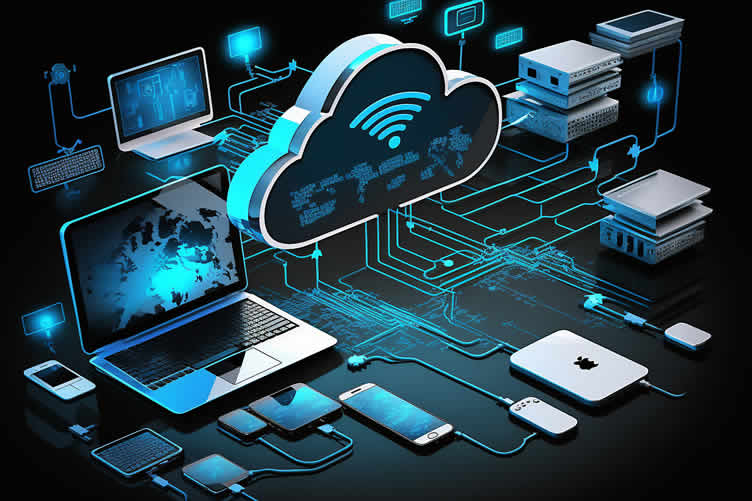
Streaming aggregators are tools designed to simplify the process of managing multiple streaming subscriptions. These services bring together content from various streaming platforms into a single, easy-to-navigate interface, allowing you to search and discover shows, movies, and music scattered across different services seamlessly.
Popular streaming aggregators such as JustWatch, Reelgood, and Plex help you track your favorite titles, receive recommendations, and keep up with new releases.
By using a streaming aggregator, you can save time and enhance your viewing experience by having all your content accessible from one central hub.
-
Use Tags and Labels
Streaming platforms often allow users to tag or label their content. Take advantage of this feature by adding descriptive tags to your movies, shows, or songs.
For example, you can tag movies based on "Action," "Comedy," "Drama," etc., or label songs based on different moods like "Workout," "Relax," "Party." Tags and labels make it easier to search and filter your library quickly.
-
Regularly Update and Clean Up
Periodically reviewing and updating your content library is essential for keeping it organized. Remove any shows, movies, or songs that you no longer enjoy or need.
This helps in reducing clutter and freeing up space for new content. Additionally, check for any duplicates and delete them to ensure your library remains streamlined.
-
Utilize Folders and Subfolders
For services that support it, using folders and subfolders can greatly enhance the organization of your content library. Create main folders for broad categories like "Movies," "TV Shows," and "Music," and then subdivide these folders into more specific subcategories.
For example, within "Movies," you could have subfolders for "Classics," "New Releases," and "Documentaries."
-
Optimize Watchlists and Favorites
Most streaming services have a watchlist or favorites feature where you can save content for future viewing. Regularly update these lists to keep track of what you want to watch next.
Prioritize your watchlist by sorting content based on your interests and watching habits. Keeping your watchlists tidy ensures you never miss out on the content you’re most excited about.
By adopting these organizational strategies, you can make navigating through your vast array of content a seamless and enjoyable process.
Whether you’re in the mood for a specific genre, looking for new releases, or just want to pick up where you left off, a well-organized content library makes it all possible.
copyright image by 123rf.com
[ youtube: organize your media files ]
[ youtube: organize content using …. ]
-
-
-
ideas to view and compare from the information discussed above
Scroll up to directory … or scroll to next section about set up your home for the ultimate streaming experience …


Budgeting Worksheet For Costing Home Remodeling and Home Improvement Decisions
 File Type (excel)



below for …
… setting up streaming and home networking services
Find Home Network Services Networks/Phone Computers/ Media Home Automation Electrical Wiring Interior Designers Furniture top-rated, pre-screened local contractors FREE: download contractor selection enter zip code – powered by HomeAdvisor ™
Quick Contractor Guides selecting negotiating working with inspecting

fifth and last “photo remodeling” idea


copyright image by 123rf.com
Streaming Tip 5: The Importance of Security
Notes:
-
In today’s digital age, the convenience and variety offered by streaming services are unparalleled. However, with this technological advancement comes the significant responsibility of ensuring our personal data and digital property are secure.
Protecting your streaming accounts is crucial to prevent unauthorized access, identity theft, and other cyber threats. The following sections delve into various strategies to enhance the security of your streaming experience.
-
Implement Strong Passwords
A strong password is your first line of defense against unauthorized access. Ensure that your streaming account passwords are complex, featuring a mix of uppercase and lowercase letters, numbers, and special characters. Avoid using easily guessable information such as birthdays or common words.
Consider using a password manager to generate and store secure passwords effortlessly. Regularly updating your passwords can also reduce the risk of your account being compromised.
-
Utilize a Dedicated Firewall
A dedicated firewall acts as a barrier between your devices and potential threats from the internet. By setting up a firewall, you can control incoming and outgoing network traffic based on predetermined security rules.
This not only helps in protecting your devices from malicious attacks but also ensures that your streaming activity remains private. Modern routers often come with built-in firewall capabilities, which can be configured to suit your security needs.
-
Use a VPN (Virtual Private Network)
A Virtual Private Network (VPN) masks your IP address and encrypts your internet connection, providing an additional layer of security. Using a VPN while streaming ensures that your online activities remain hidden from prying eyes, including hackers and even your internet service provider.
This is particularly useful when accessing content on public Wi-Fi networks, which are often unsecured and susceptible to cyber-attacks.
-
Regular Software Updates
Keeping your streaming devices and applications up-to-date is essential for maintaining security. Software updates often include patches for known vulnerabilities that could be exploited by cybercriminals.
Enable automatic updates wherever possible to ensure that you don’t miss any critical security enhancements provided by the service provider or device manufacturer.
-
Two-Factor Authentication (2FA)
Two-factor authentication adds an extra layer of security by requiring not only your password but also a second form of verification, such as a code sent to your mobile device.
This makes it significantly harder for unauthorized users to gain access to your account even if they manage to obtain your password. Enable 2FA on your streaming accounts to bolster your security stance.
By taking these proactive steps to secure your streaming services, you can enjoy your favorite content with peace of mind, knowing that your personal information and digital assets are well-protected.
-
-
Quirk scroll to topic "streaming security and setup" side notes …
-
-
1st: Future-Proofing Your Setup
As technology continues to evolve at a rapid pace, future-proofing your streaming setup has never been more critical. Ensuring your system can adapt to new technological advancements not only enhances your streaming experience but also fortifies your setup against potential security vulnerabilities.
Here are several key strategies to help you stay ahead of the curve:
-
Regular Updates
Regularly updating your software and firmware is a cornerstone of maintaining a resilient streaming setup. Developers frequently release updates that not only add new features but also address security flaws.
Make it a habit to check for updates and apply them promptly to keep your devices running securely and efficiently.
-
Monitor New Technologies
Technology is ever-changing, and staying updated on the latest advancements can give you a competitive edge. Whether it’s new streaming protocols, enhanced security measures, or more efficient hardware, keeping an eye on emerging technologies allows you to integrate these innovations into your setup proactively.
-
Expandable Systems
Investing in expandable systems can save you from frequent costly upgrades. Choose devices and services that offer modular components or software updates that enable expansion of capabilities without needing a complete overhaul.
This ensures that as your needs grow or change, your setup can adapt accordingly.
-
Regular Cleanup
Over time, streaming devices can accumulate a lot of unnecessary data that can slow down performance. Periodically cleaning up your devices by removing unused apps and clearing cached data can help maintain optimal performance and reduce the risk of security vulnerabilities associated with outdated applications.
-
Stay Informed
The digital landscape is constantly evolving, and staying informed about the latest security threats and best practices is essential. Follow tech blogs, subscribe to newsletters, and join forums related to streaming and cybersecurity to keep your knowledge current.
This awareness allows you to take proactive measures to protect your setup.
By implementing these strategies, you not only ensure a high-quality streaming experience but also safeguard your setup against future challenges.

copyright image by 123rf.com
-
-
2nd: Finding Streaming and Networking Setup Professionals
Setting up a seamless streaming environment can be complex, involving the right choice of streaming services and robust home networking configurations.
Professional assistance in these areas can ensure a hassle-free experience, optimal performance, and security for your setup.
-
Why Use Their Services
Professionals specializing in streaming services and home networking setups bring a wealth of expertise and experience. They are well-versed in the latest technologies, ensuring that your system is designed to meet current standards and can accommodate future advancements.
By leveraging their knowledge, you can avoid common pitfalls and save time and effort that would otherwise be spent on troubleshooting.
Moreover, these experts can recommend the best streaming services tailored to your viewing preferences, ensuring a high-quality and personalized experience.
Security is another significant benefit; professionals can implement advanced measures to protect your network from vulnerabilities and cyber threats.
-
Where to Find an Expert
Finding a qualified professional can be straightforward if you know where to look. Start by asking for recommendations from friends, family, and colleagues who have had similar work done.
Online platforms like Yelp, Angie’s List, and Google Reviews can provide customer feedback and ratings for local technicians.
You can also find experts through specialized service websites like Geek Squad or TaskRabbit, which offer vetted professionals for home networking and streaming service setups.
LetsRenovate has partnered with HomeAdvisor™, a renowned provider of highly-rated, carefully-vetted media-setup contractors. Start your search here by entering your zip code to find local professionals.
copyright image by 123rf.com
But Wait!
Before starting the search and evaluation process for contractors, it is highly recommended to download and utilize this comprehensive worksheet. This will help ensure that you have all the necessary information and tools at your disposal to make informed decisions and streamline the entire process.
This resource will assist in impartially ranking and evaluating potential contractors, taking into consideration essential factors such as pricing,

Evaluation Sheet
File Type: -
-
3rd: Integrating Streaming With IoT Home Automation
Integrating your streaming services with IoT home automation offers unparalleled control and convenience in managing your home environment. By linking your streaming devices to a smart home ecosystem, you can enjoy seamless operations and enhanced functionalities.
-
Voice Control
For instance, voice-controlled assistants like Amazon Alexa or Google Assistant can be configured to operate your streaming services, allowing you to play, pause, or skip content with simple voice commands. This hands-free approach enriches your viewing experience and adds a layer of accessibility.
-
Streamline Routines
Furthermore, automation can streamline your entertainment setup by enabling routines and scenarios tailored to your preferences.
Imagine walking into your living room, and with a single command, your smart lights dim, your smart thermostat adjusts to a comfortable temperature, and your favorite streaming service starts playing the latest episode of your go-to show.
This level of integration not only saves time but also enhances the overall ambiance and comfort of your home.
-
Eco-Friendly
From a management perspective, integrating streaming services with IoT devices ensures that you maintain optimal performance and energy efficiency. Smart plugs and switches can monitor and manage the power consumption of your streaming gadgets, helping you reduce energy usage.
Additionally, security features within IoT systems can provide alerts and automate updates, ensuring your devices are always protected against the latest cyber threats.
By adopting an integrated approach to home automation and streaming services, you can create a cohesive and intuitive environment that caters to your entertainment needs while providing enhanced control and management of your home.

copyright image by 123rf.com
-
-
-
FINAL REMARKS
By keeping pace with technology trends, you’ll be ready to enhance your setup as new innovations emerge.
Creating the ultimate streaming experience at home involves selecting the right services, ensuring a robust internet connection, choosing the best device, optimizing your viewing space, organizing your content, and staying ahead of technological advancements.
Implement these tips, and you’ll transform your home into the perfect entertainment hub. For more information contact a company like Find Best IP TV.
-
ideas to view and compare from the information discussed above
- What comments can you share about
set up your home for the ultimate streaming experience?
Scroll up to directory … or scroll to more home recreational-related topics …
… view illustration “becoming a bank”

Calendar For:
Home Maintenance
File Type:
… remodeling decisions


Cover image credit: set up your home for the ultimate streaming experience by 123rf.com
end of post … please share it!
 |
did you find how to set up your home for the ultimate streaming experience analysis helpful? If so, please share the article with your friends and family! |
Nice pic idea? Leave us a quick comment below.
And please share this pic idea within your social networks.