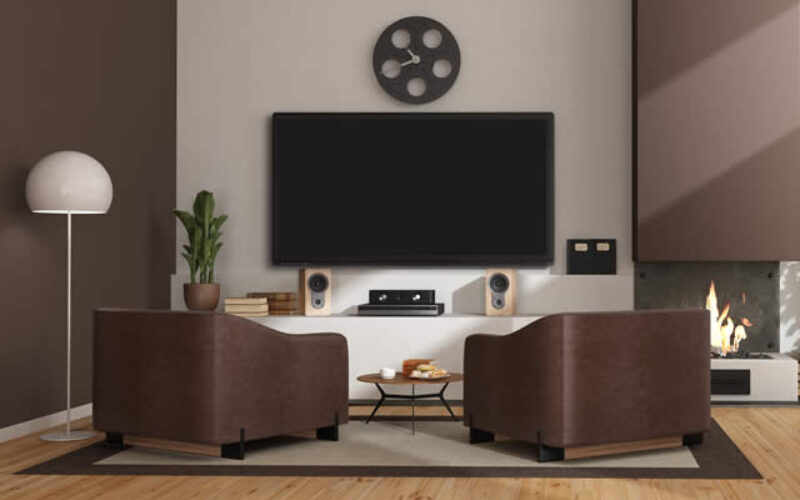
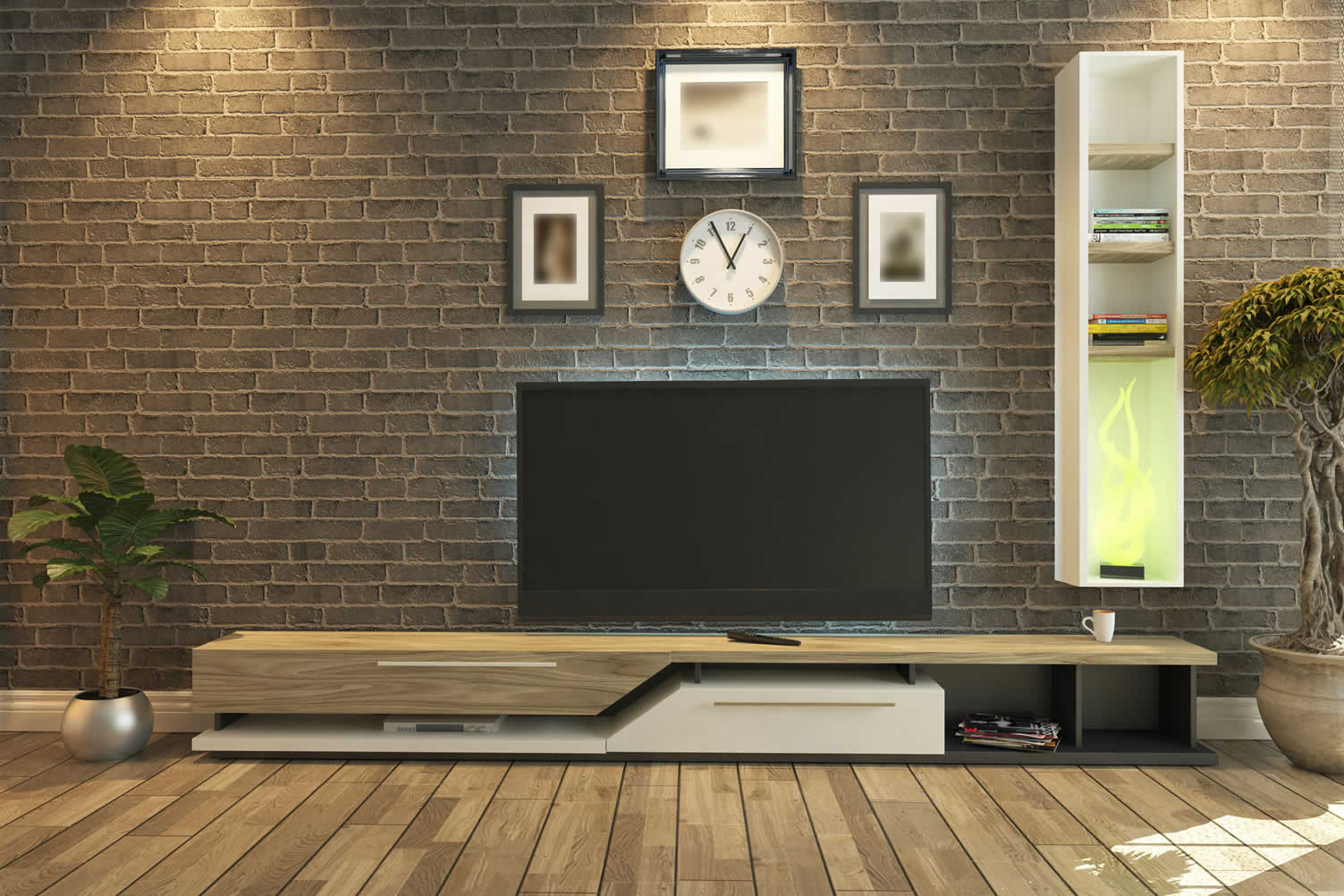
first “choosing an entertainment center for your space” idea


copyright image by envato.com
Designing Your Home Entertainment Center
Summary Outline:
An entertainment center is an area for all your entertainment needs in one convenient spot. It provides a place to put your television and houses all your other media equipment, such as your DVD player, video game console, and stereo system.
Most people spend huge amounts of money to ensure they have a good entertainment center. Here are six tips to help you choose an entertainment center for your space:
-
- —— begin first topic ——
-
1st:1. Establish the Type of Center That You Need:
The first step is to decide what type of entertainment center you need. There are three main types:
-
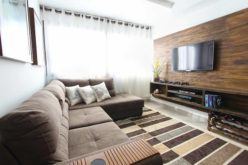
Wall mounted:
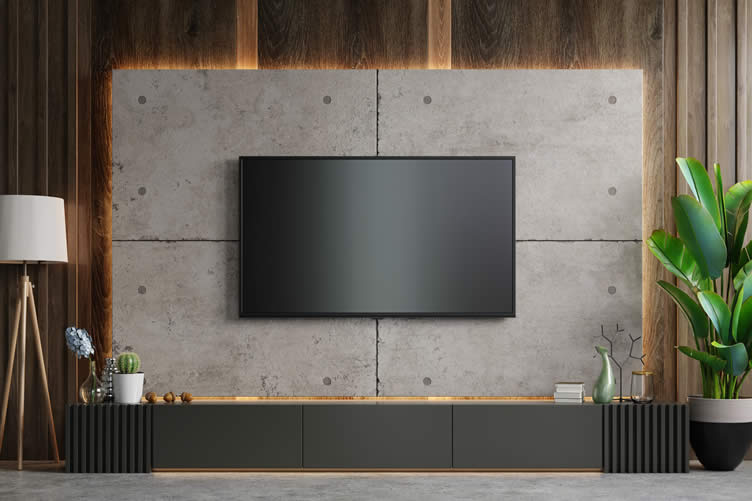
It’s a great option to save space with storage shelving. You may hang it on the wall. The challenge you have is to hold the cords from view. Usually this option requires you to tucked the cords behind the wall for a clean mounting look.
-
Freestanding:
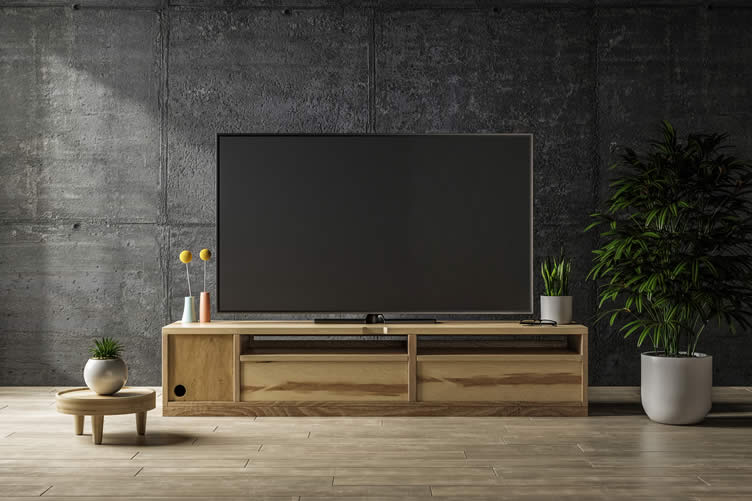
It’s a good option if you have a larger space because it has storage cabinets. You may place it in the middle of the room. This option has all of the codes and wiring tucked away in the cabinet. Plus you can add other features – out of site – like DVD, blu-ray, sound receivers and other full-entertainment features.
-
copyright image by envato.com
-
Corner:
A corner entertainment center is an excellent option to save space with storage shelves. The corner positioning gives you a 45 degree expansive view that allows for interesting seating comfort.
-
Ceiling Mount:
The final display option is mounting the TV from the ceiling. The challenge is connecting the TV to an electrical source and hiding the wires.
-
Quik scroll to topic side notes …
-
2nd:Decide on the Size:
The next step is to decide the size of the entertainment center you need. You must consider the size of your room and the size of your TV. You should ensure that the entertainment center you choose can accommodate your TV and other electronics.
People make a mistake when they choose an entertainment center that is either too small or too huge for TVs.

copyright image by envato.com
TVs need other sound and video components such as gaming consoles, DVD and Blu-Ray players, and cable or satellite boxes. So, you must ensure that your entertainment center has enough space for these components.
Resources on TV Selection and Display
How Determine TV Size illustration – types of screen resolution illustration – mounting TV diagram illustration TV Buying Guide info – screen types info – how to wall mount TV info – how high to mount TV info Deciding Type TV youtube – OLED vs QLED youtube – security mount TV youtube – mount floating TV stand youtube – how to hide wires youtube - —— next topic ——
-
3rd:Ensure Enough Ventilation:
You don’t want your electronics to overheat, so ensure adequate ventilation around the entertainment center. Consider the air vents in the room and their effects on your entertainment center placement.
-

copyright image by envato.com
- For example, if the only air vents are on the floor, you shouldn’t put your entertainment center directly on top. If you use a wall-mounted entertainment center, avoid close contact between the wall and the back of the entertainment center.
-
Quik scroll to topic side notes …
-
About Ventilating and Caring For TV:
The TV that you may be considering for best overall view is an expensive item that needs to be taken care of. Not giving it enough air circulation, or mounting your TV above an active wood or gas burning fireplace, will heat up the internal electronics of the TV and lessen it’s life span.
Make sure the TV and other connected electronics are given plenty of air flow to keep the unit from heating up. if you mount the TV to the wall or have it freestanding, you should place the unit 4-6 inches from the wall for best ventilation.

copyright image by envato.com
These new TVs are thin in depth but large in length and height. In other words, they can be heavy. If mounting to the wall, make sure the mount is secured to studs behind the wall or use heavy-duty wall anchors. If not, you increase the probability of your TV unit come crashing down.
If you place the TV on a stand or console, make sure the mounted legs holding up the TV are position correctly and that the TV is strapped from behind to the TV stand. The TV can easily tip and fall over – particularly if a child or other are fiddling with the unit.
-
More About Home Air Ventilation:
We make our homes weather-tight by insulating and sealing windows and doors. Weatherization prevents outside air from coming in; but this can lead to allergic reactions and illness from breathing stale air.
So it is advised on nice days to open windows and install ceiling fans to circulate the air. However, the fresh air that flows into the house may contain outside allergens and pollutants that cause irritation.

copyright image by 123rf.com
Keeping air clean and flowing is possible with air purification systems. The use of air filtration on the intake will help improve the quality of the air that we breathe in the home.
And with the use of ceiling fans, filtered air moves throughout the home including the needed ventilation to keep your entertainment units cool.
view post: (new win) Maintaining Clean, Ventilated Air For Your Home - —— next topic ——
-
4th:Consider the Features:
Do you need a lot of storage space, something with built-in speakers, or that is easy to assemble? Make a list of your important features, and then use that list to narrow down your choices.
-

copyright image by envato.com
- Remember, space determines the type of entertainment center you will be purchasing. On the other hand, accessories determine the sound and picture quality. Technology has revolutionized how one watches and listens to media.
-
Quik scroll to topic side notes …
-
More About Features:
Today, 4K TVs have become the standard for high-definition viewing. So make sure your entertainment center setup can accommodate such a TV. If you want the best possible sound quality, you may want to invest in an entertainment system with built-in speakers.
If you like changing things up often, go for an easy entertainment system to assemble and disassemble.
copyright image by envato.com
You also want to consider the best HDMI accessories for the best audio and visual quality, including extenders, splitters, and an HDMI matrix.
They don’t compromise quality, unlike ordinary cables. You should also know where the cables would pass without distractions and congestion.
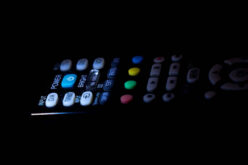
google resources: TV SetupHow to Setup TV illustration – setup TV sound illustration TV Setup Guide info – setup streaming services info – connect soundbar to TV info – program universal remote info Setup TV DIY youtube – how connect soundbar youtube – setting up streaming TV youtube – setup stream device youtube - —— next topic ——
-
5th:Consider Your Budget:
As with any purchase, you will want to consider your budget when selecting an entertainment center. There is a wide range of prices, so you should be able to find something that fits your budget.
- However, it is important to remember that you usually get your worth. If you want a high-quality one that will last for many years, you may need to invest in a more expensive option.
-
copyright image by envato.com
- So what is the cost? Let’s review some average prices to help formulate the budget:
-
TV:
depends on the side and quality of the picture. Cost ranges for for the low-end are around $250-$300. For the high-end 76″ size monitor and bigger with best picture quality is around $1000-$2000.
-
Sound System:
average range is between $240 – $1,170 – that is whether you choose a soundbar and/or surround system. You can simply use the speakers inside monitor to keep cost down, but the sound quality won’t be as great.
-
Mounting Cost:
the cost to mount a TV to the wall ranges between $159 and $361 if you hire it out (does not include the cost of the mount). The price could go higher for larger and heavier TVs. Expect to pay up to $1,000 if you want to hide the wires behind the wall.
- To keep mounting costs down, you can mount the TV as a DIY; just make sure you understand how to do that to keep the unit from crashing down. You can also opt for a TV stand. Stands start at $50 and can go up to $1,000 or more for a custom styled stand.
-
Streaming Services:
if you looking at services that are comprehensive, expect to pay between $59-$89 per month for services. Individual packages run about $8 per month; which may include 2-3 packages at $24+ per month.
-
-
Quik scroll to topic side notes …
-
5th:Read Online Reviews
Once you have narrowed your choices, read online reviews to understand what others think of the entertainment center you consider. Look for reviews written by people with similar space to yours, as their experience will be most relevant to you.
Also, take note of any common complaints about a particular entertainment center, as this could also be something you encounter.
-
Setting Up A Home Theater Room:
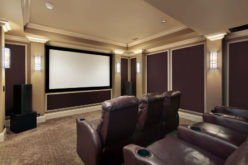
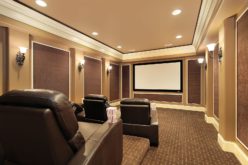
Perhaps you may want to expand your thinking and build a home theater room instead of media entertainment center. Something with a big screen, surround sound, theater lighting, and comfortable seating for watching your favorite entertainment.

copyright image by envato.com
That doesn’t mean you can’t have less expensive free standing TV in the family room area for small kids to watch their morning shows. But instead of making a huge investment into a media center for the living or family room view, how about making the investment in a home theater room that the whole family can enjoy.
You could convert the attic, section off an area in the basement, or turn the bonus room into a home theater. You can then mount a large TV monitor (or use a projector and screen) for best picture quality supported by a surround system that makes you feel right at the movies.
google images: Home Theater ViewingHome Theater w/ Screen view samples Home Theater w/ TV Monitor view samples Home Theater Seating
Home Theater Seating view samples Theater Seating Layout view samples Home Media Couch view samples Home Media Sofa view samples Home Media Reclining Chair view samples Chaise Lounge Chair view samples Oversize Bean Bag Sitting view samples Surround Sound Systems
Surround System Setup view samples Surround System Components view samples Types of Speakers view samples Hm Theater Sound Ideas view samples
-
Closing Remark:
Designing an entertainment center deserves careful consideration because it will be a focal point in your home and impact your space’s overall design. The six tips will help you choose a perfect entertainment center for your home.
- However, consider working with a sound specialist if you have questions or concerns about your audio setup. Also, be sure to ask about any necessary customizations when shopping.
-
Quik scroll to more home recreational ideas …

-
ideas to view and compare from the photo above
- What comments can you share about
choosing an entertainment center for your space?
about entertaining

for you and the kids


your home theater


Find Home Media and Theater Services Home Theater Home Media Furniture Home Automation top-rated, pre-screened local contractors FREE: download contractor selection enter zip code – powered by HomeAdvisor ™
Quick Contractor Guides selecting negotiating working with inspecting

Cover image credit: choosing an entertainment center for your space by envato.com
end of post … please share it!
 links open new win
or simply search by entering rec room item or other remodeling need

Nice pic idea? Leave us a quick comment below.
And please share this pic idea within your social networks.