first “setting up the perfect home office” idea


copyright image by envato.com
Working At Home
Summary Outline:
With advanced technology and communication, many service professionals and freelancers can perform part or all of their work assignments from home. Telecommuting is becoming a normal way of work for many companies and service marketers.
And as COVID changed the way we operate in the world, many people have switched from going into the office to working remotely. So having the right “home office setup” is crucial if you find yourself working at home more frequently.
Let’s go over the key items and tips for setting up the perfect home office:
- 1: first thing, you need high-speed connectivity
- side notes: about IoT – Tech Needs
- 2: got to have a workstation
- side notes: desks – comfort – storage
- 3: where to locate your home office
- side notes: natural lighting – houseplants
- 4: Keeping Yourself Disciplined and managed
- side note: staying active
- 5: Add Some Personal Touches
- side notes: quality speakers – chairmats
- conclusion
-
-
First Thing, You Need High-Speed Connectivity:
This would be fast internet connectivity – preferably with a direct connection for best speed and security. And you will need to network all of your working devices such as your desktop PC, laptop(s), electronic pads, peripherals (scanners, printers, etc.) and cell phone(s) to a private, secured network and/or cloud based system.
- This connectivity will be accessible by you and others within the organization no matter where you happen to be.
-
About Internet Connectivity and Networking (resource information) About High Speed Internet illustration – types of internet connections information – understanding internet speeds information – future of internet information Making Connections illustration – how to setup internet information – how design home network information Connecting to Internet youtube – home networking 101 youtube -

copyright image by pixabay.com
- You may already have some internet connections into your home. Check your current system for download/upload speed and security; you will need maximum speed capabilities to network all of your devices and to conduct business via video if necessary.
- Look into IoT capabilities (internet of things) when deciding internet speeds. This allows your home office to become a command center for managing all home automation needs that can be connected to the cloud.
-
Quik scroll to topic side notes …
-
Understanding IoT:
There is a lot of discussion today about eco-green living, home automation, and reducing our carbon footprint. As a result, homeowners are upgrading their houses by adding some of this and some of that to become automated and eco-friendly.
But can you imagine how a home of the future would look if you started from scratch?

copyright image by 123rf.com
It would come with automation, green energy, and device communication, all managed and handled by Internet of Things (IoT). A home that is connected to a central command center that automates family management, communication, energy consumption, health and safety.
view post: (new win) What a Future Smart Home May Look Like -
Utilizing And Networking All Tech Needs:
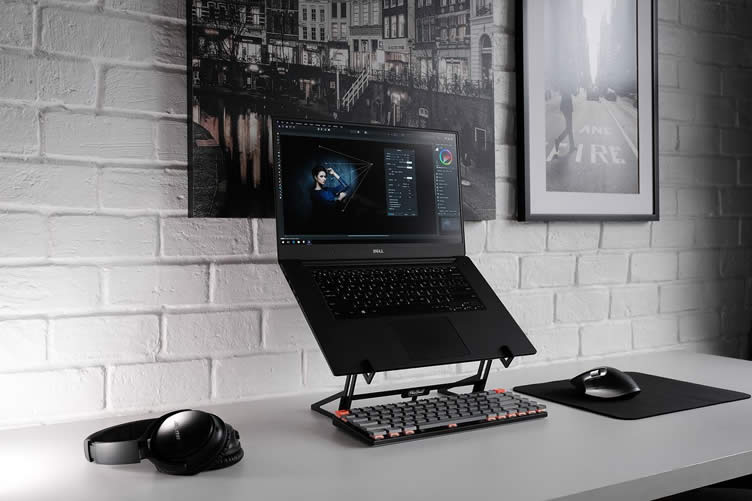
Technology makes working from home much easier than years past. Because of this, you should always utilize the best tech devices available – so that your technology can handle the excessiveness work flow and communication.
To make your home office highly functional, you may need to purchase and/or upgrade your computers, mobile devices, web cams, printers, and other office necessities.
copyright image by pixabay.com
You’ll become more productive by using communication apps and devices that help you stay in touch with clients and other people crucial to your success. Implementing new technology is a great way to set up and maintain the perfect home office.
Some tech items to consider …
- —— next topic ——
-
Got To Have a Workstation:
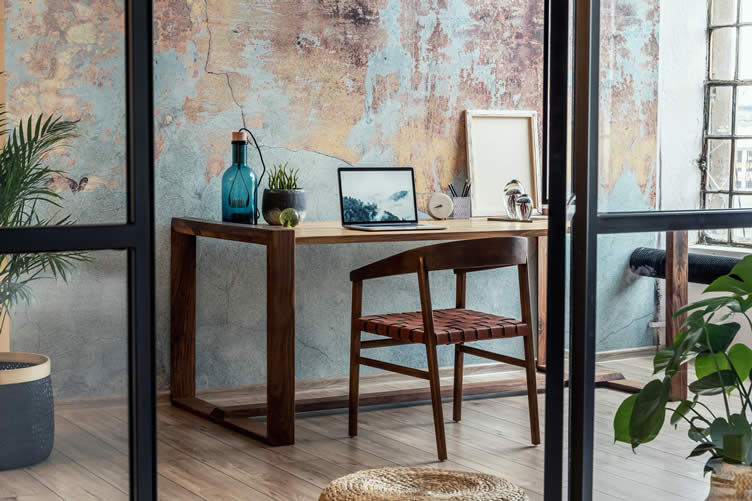
That includes a desk and chair that allows you to work comfortably and productively. Other items may include a lap desk so that you can take your work outside when the weather is nice.
- Included in the workstation setup is ample lighting and screen protection to avoid eye strain. You will also need organizational devices to keep your home office from becoming cluttered.
-
copyright image by envato.com
- These are some of the basics items for a productive workstation that will be highlighted in the side notes:
- adjustable desk
- ergonomic chair
- storage and organizational options
- PC – laptop – printer – other (noted above)
- laptop stand and lap desk
- task lighting
- stationary and other
-
Quik scroll to topic side notes …
-
What Kind of Desk:
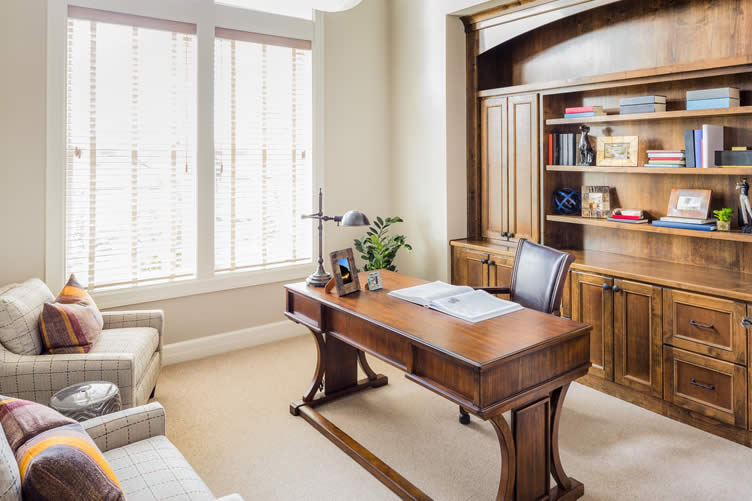
The desk in the more important feature in setting up a home office workstation. It needs to be large enough to hold 1-2 monitors, keyboard, mouse, and an area for note taking and addressing other paper needs.
You might consider investing into a standing desk – one that can be raised so that you can work standing up after sitting for an extended period of time. You could work for 2-3 hours sitting – then push a button to raise your desk and work 2-3 hours before returning to the sitting position. It is better for your posture and health
copyright image by 123rf.com
You may opt using a laptop as your work-at-home computer. Laptops utilize less space and can function nicely on smaller desks. Laptops can easily be moved to a chair or other location, thus giving you the movement for better health.
The disadvantage of laptops is the screen size. Your work may require a larger monitor or two in order to perform the tasks and communication necessary for work at home. And, your position or employment may change that may require a larger desk.
So select the best overall desk size and type for your current and future work at home.
-
Make Sure to Add Comfort:
Your comfort level will become very important while working long hours each day. So one of the key benefits of working from home is that you can add furniture and other pieces to make the home office area more comfortable.

copyright image by envato.com
These furniture pieces include the following:
- ergonomic chair while working at the desk
- comfortable chairs that you can use to work using your laptop
- proper task lighting to avoid eye strain and fatigue
- long sofa for taking those short afternoon naps to increase productivity
- split mini HVAC system to add air conditioning for when you work on those hot summer days and a nice heating system for when winter rolls around.
- coffee and beverage station for breaks when needed
- other pieces as listed below
Comfort is very important; if you’re uncomfortable, your productivity is bound to suffer.
-
Be Smart With Storage:
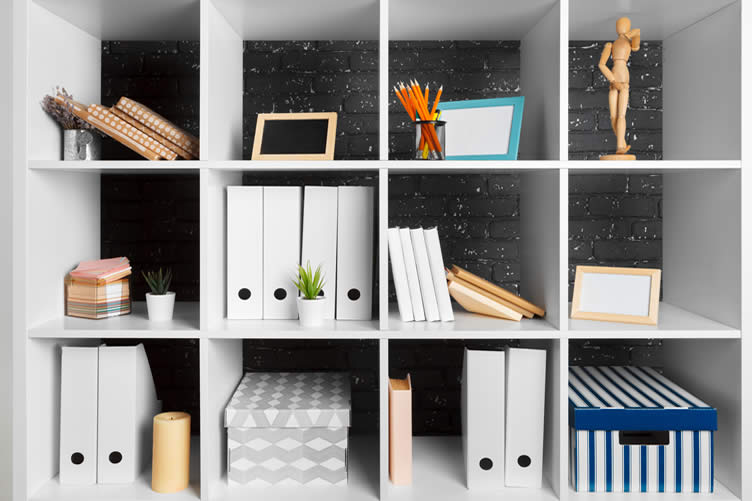
Storage is especially important for your home office. You’re more likely to stay focused and on task with an organized home office the comes with plenty of storage. And more importantly, you can file and retrieve information fast when and as needed.
copyright image by envato.com
Smart storage solutions include wall storage, cabinet storage, file cabinets, collapsible storage and more. There are plenty of storage options; even options that are meant to fit in smaller spaces.
- —— next topic ——
-
Where to Locate Your Home Office?
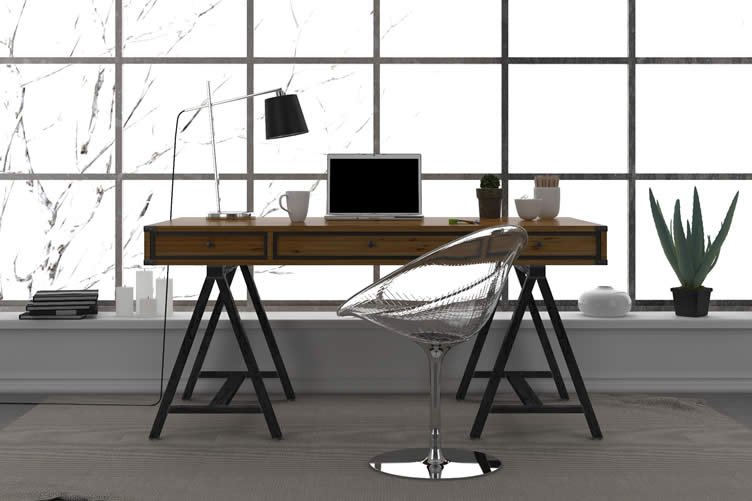
Definitely with a window view – perhaps along the side or back area of the home with a window large enough to view the outside and to let natural light in.
- Avoid placing your office in an enclosed area with no natural light or down into the basement. Having a nice window view will keep you motivated – and it will become the place that you want to come back again for another day.
-
copyright image by 123rf.com
- Another consideration about location is an area that can be isolated from distractions within the home. You will need quiet surroundings for work, conversation, and possibly video calls with co-workers. So you need an area where you can “close and secure” the door to keep family members out when engaging with company workers and clients.
- Depending on your situation, you may not have currently any available home space that can be allocated for a home office. So the location may need to be in a converted attic, garage or adding a small addition to the home. Again, if this is t become your permanent work station for employment, you need an area where you have the privacy to carry on your work.
-
Quik scroll to topic side notes …
-
Take Advantage Of Natural Lighting:
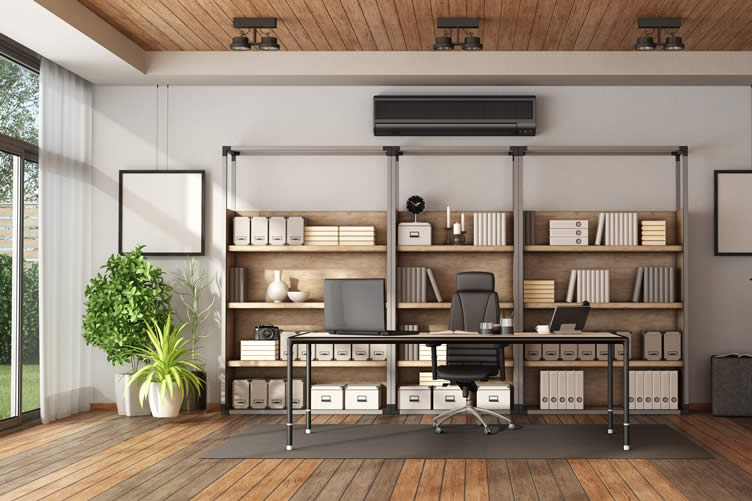
You’d be surprised at just how well you feel when you let some light in. Natural lighting in your home office is a great way to not only cut down on lamp clutter but also feel less claustrophobic and more refreshed.
By letting natural lighting into your home office, the room feels bigger and less confined.
copyright image by envato.com
Those who utilize natural lighting feel less depressed, as sunlight does wonders for your mental health and mood. This in turn may also help you stay productive as well. Natural lighting makes a room look and feel good.
view post: (new win) does Your Home Get Enough Natural Light? -
Adding Some House Plants:
With good natural lighting streaming into the home office, you can easily add some of your favorite houseplants to liven up the area. They can also offer a variety of great benefits.
For one, they will improve the aesthetic of your workspace and give the room some color and vibrancy. Secondly, many people find that adding plants has the benefit of helping them stay in a good mood.
Plants are also known to decrease anxiety and depression, which can be highly beneficial for staying on top of the job.

copyright image by pixabay.com
Maintaining house plants within a defined area can help filter the air, meaning you’ll be breathing cleaner, healthier oxygen for many hours each day. It’s important to really make your home office your own; and introducing a few plants that you enjoy is a great way to accomplish that.
- —— next topic ——
-
Keeping Yourself Disciplined and Managed:
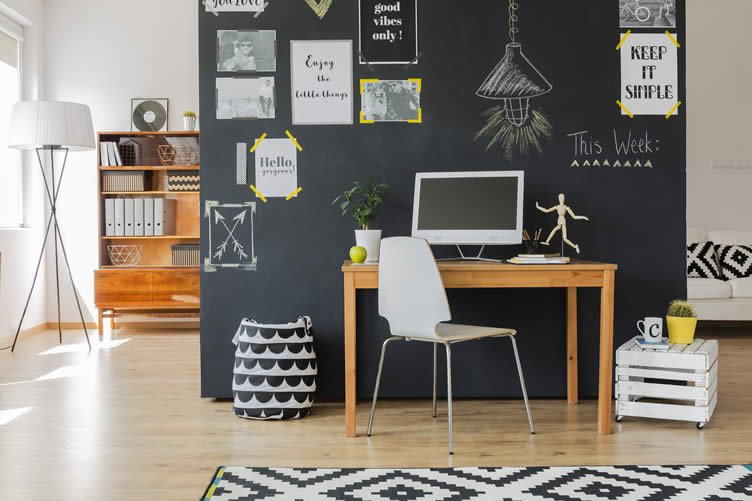
Working from home requires focus and discipline – skills that are very much needed to avoid the temptation to engage in other activities not related to work. Building good time management skills help you to balance work and home situations.
-
copyright image by envato.com
- A large, wall chalk board or dry erase board can help. Use the board to list your schedule, daily tasks, numbers to call, and ideas that pop into your head.
- You could either attach a mounted board or paint a side or back wall with chalkboard paint. The board will be a constant reminder on what needs to be done.
- Another way to manage time is having an oversize wall clock on the wall within view of the workstation. The clock will become your constant reminder on day time, schedules, and allocated time for work tasks.
-
Quik scroll to topic side notes …
-
Staying Active:
Sitting around all day, staring at the screen and papers, isn’t good for you. Engaged in sitting and working for long hours will likely lead to adverse side effects. Some of these effects include increased lethargy, increased anxiety and depression, weight gain, physical fatigue, and even issues staying concentrated and productive.
You need to find ways to help stay active on the job, such as a standing desk or a stationary treadmill that allows you to walk while working. You may also wish to consider a fitness ball, which are both comfortable and good for you.

copyright image by 123rf.com
Another good “break” option is having a yoga mat. It’s important for both your physical and mental health to take occasional breaks – and having a yoga mat is a great strategy to stay active.
Time yourself every hour or so to get out of the chair and spend a few minutes stretching, meditating, or doing yoga poses. This will get the blood flowing and make it easier for you to get through the work day.
Additional fitness items may include a small gym either in your home office or in another room nearby. Use the room to do yoga and/or work out on devices for added energy, strength, and health. Something every “home office” should have.
- —— next topic ——
-
Add Some Personal Touches:
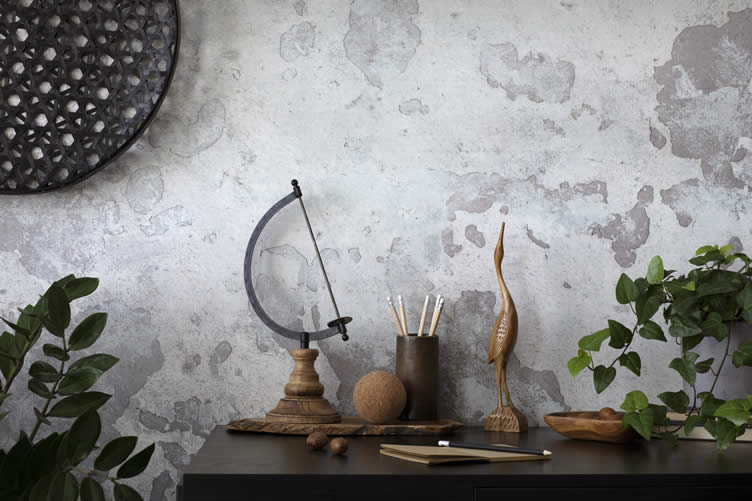
Working from home means spending a lot of hours cooped up in a sectional corner of your home or apartment. So make it your own by adding some personal touches to your home office. It’s a great way to make it feel more comfortable.
- Everyone likes to express themselves in some way; and doing so in your work space is no exception.
-
copyright image by envato.com
- Start by adding pictures of your family, places you have been, or other personalized decor. Consider personalized notepad sets to add some extra flair to your workstation.
- These sets are perfect for writing down your to-do list or for note-taking while also showing off a little of who you are. Both functional and attractive, a set like that is a great option for any home office.
- There are plenty of great ways to add some personal touches to your home office. By doing so, you’ll find that your home office is a more welcoming place to be, making getting work done easier and more enjoyable.
-
Quik scroll to topic side notes …
-
Don’t Forget To Add Some Quality Speakers:
Every person has their own routine for getting in the zone when it comes to doing their work. Some people need complete silence to focus; others like to listen to music while they’re working remotely.
If you’re one of the latter, then investing in a quality set of speakers for your home office would be an excellent decision. After all, if you’re listening to music for seven or eight hours each day, you’re going to want the sound to be clear and strong.
-
Protecting Your Floor:
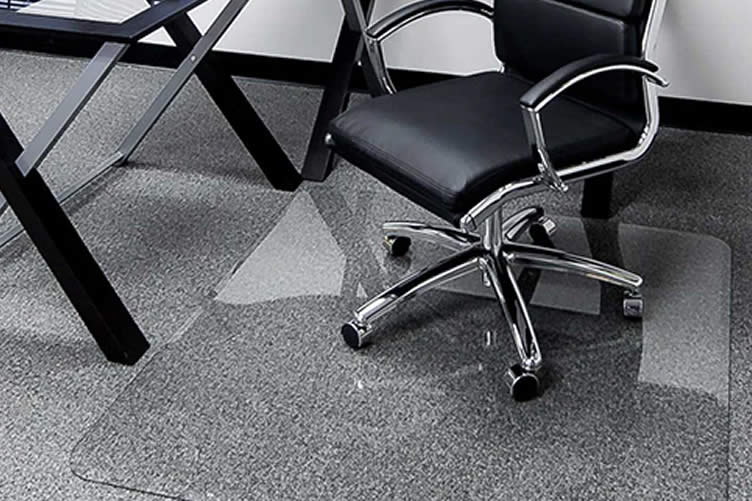
There’s a good chance you’ll be sitting in an office chair for large chunks of each day while working at home. If that’s the case, you should consider purchasing a glass chairmat to protect your floor.
copyright image by glasschairmats.com
You can easily purchase glass chairmats online, and having one will protect your flooring, provide ergonomic benefits, and make it smooth and easy for you to move your chair around.
-
-
Key Takeaway
Creating the “perfect home office” is something that will make working at home more productive than working at the office. And when you consider the time saved by not commuting, you will be able to accomplish more work in less time, freeing up some valuable time for family or friends.
- But you must have the “perfect home office setup”, with the latest technology, a comfortable and inviting workstation, and amenities that keep you productive. Take some time to think about what would be beneficial to your home office, and then build around that. From personalized notes to comfortable chairs, there are plenty of ways to make a home office your favorite room.
-
Quik scroll to more home office ideas …

-
ideas to view and compare from the photo above
chalkboard paint for wallswhiteboard paintoversized wall clock
- What comments can you share about
setting up the perfect home office?
your home office
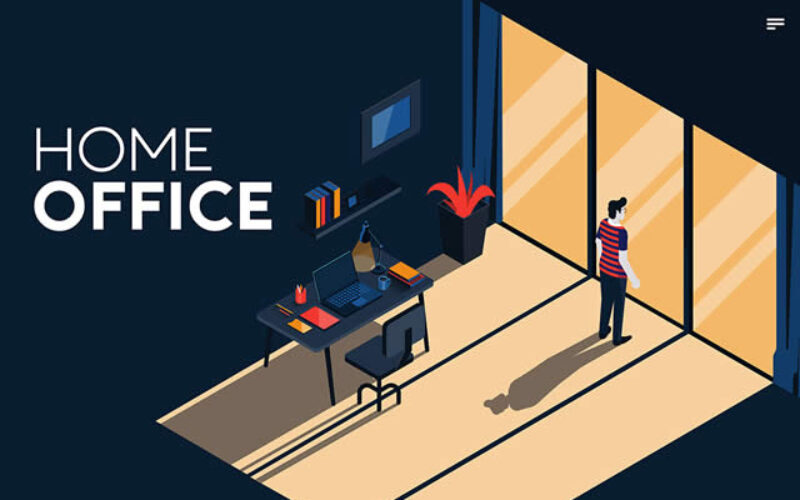
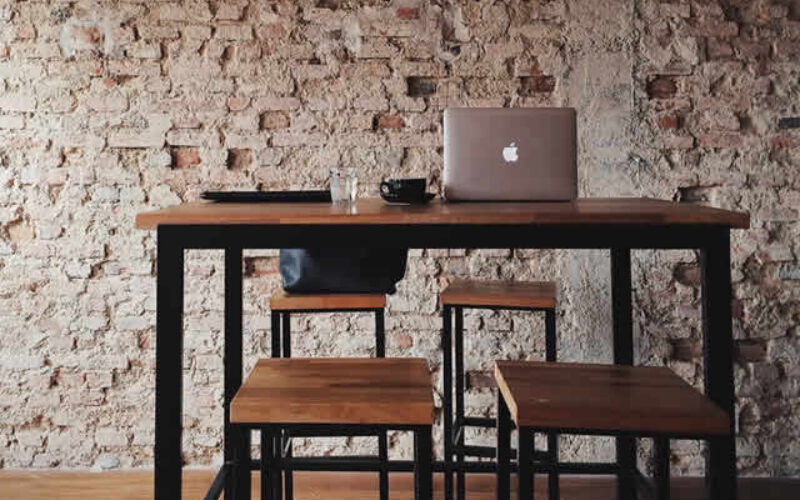
automation and security


your front porch
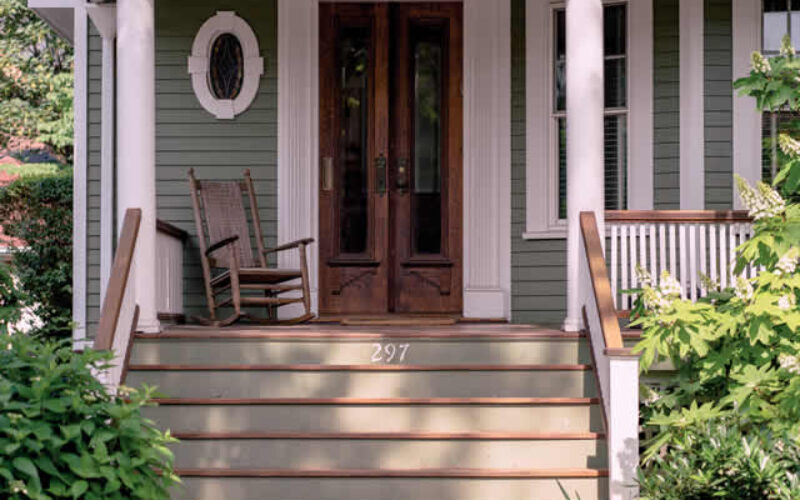

a home gym


with the latest trends


Find Home Network Services Networks/Phone Computers/ Media Home Automation Electrical Wiring Interior Designers Furniture top-rated, pre-screened local contractors FREE: download contractor selection enter zip code – powered by HomeAdvisor ™
Quick Contractor Guides selecting negotiating working with inspecting

Cover image credit: setting up the perfect home office by pixabay.com
end of post … please share it!
 links open new win
or simply search by home automation or other smart device need

Nice pic idea? Leave us a quick comment below.
And please share this pic idea within your social networks.